 Ga naar de inhoud








What Is Server Uptime and Downtime: A Complete Guide
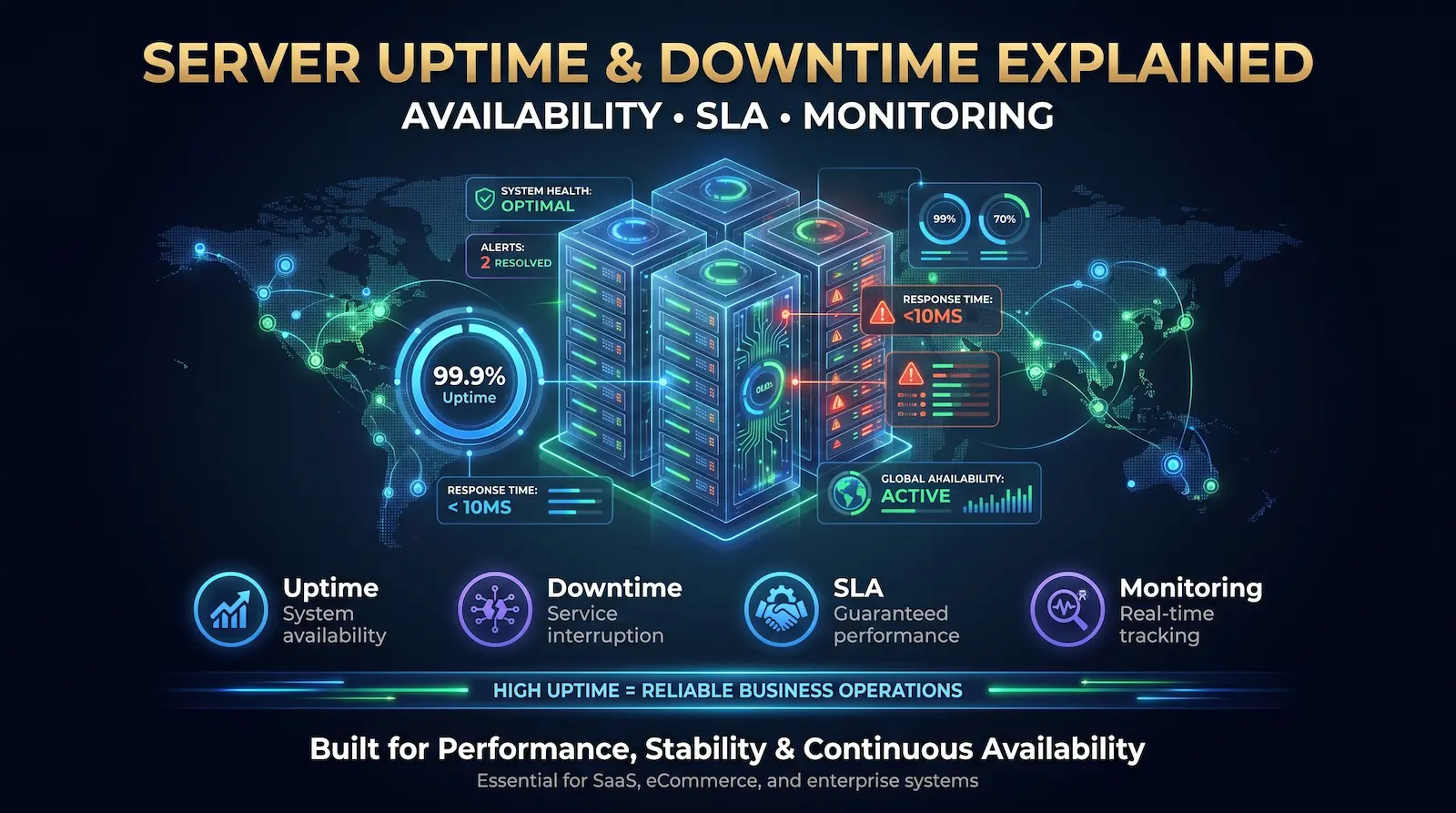
Server uptime is the total time a system successfully delivers its intended services. Server downtime occurs when infrastructure becomes entirely inaccessible to users. This continuous availability directly affects enterprise revenue, SEO visibility, and brand trust. Minor outages trigger severe potential revenue loss.
Defining Server Uptime
Server uptime measures the continuous duration a machine successfully operates and fulfills its primary functions. IT teams track this metric as a percentage over a defined time window. This equipment uptime definition strictly gauges the hardware and network reliability forming your digital foundation.
Every minute a server remains online creates uninterrupted service for users and seamless business operations. IT leaders should note that raw server uptime only measures the physical hardware state. It confirms the kale metalen server of VPS has power and network connectivity, but it does not guarantee the application actually routes traffic correctly for the customer.
Defining Server Downtime
Server downtime represents the opposing state where a system becomes completely unresponsive or unreachable. This down time means the infrastructure cannot fulfill its primary functions. This causes immediate interruptions to service and commonly results in HTTP 500-range errors, such as a 503 Service Unavailable status.
Downtime represents a hard break in continuity. The outcome remains the same whether you face a total system failure or subtle, intermittent packet loss: the environment is inaccessible to users. System downtime stems from physical hardware failures, code deployment bugs, targeted DDoS cyberattacks, or strained municipal power grids. Beyond the immediate technical disruption, enterprise downtime translates directly into stalled worker productivity, dropped search engine rankings, and lasting brand damage.

Uptime vs. Availability: The Watermelon Effect
Server uptime strictly measures the physical reliability of a single machine or infrastructure component. Service availability represents the actual proportion of time a system remains accessible to the end user. A server might show perfect uptime while the hosted application remains completely unavailable for customer transactions.
IT teams often confuse these two metrics during incident response. Engineers look at internal monitoring dashboards and see satisfactory green lights. The hardware runs fine and the network service functions correctly. Users on the outside still experience negative issues because a dependency layer failed.
Industry experts call this the Watermelon Effect. The service level metrics look green on the outside, but the actual customer experience is red and unsatisfactory on the inside.
Tracking uptime vs availability forces engineering teams to focus on the end user. You must measure the entire customer journey using continuous Digital Experience Monitoring instead of checking single hardware components. Customers do not care if a data center stays online. They only care if they can buy your products. Building your internal Service Level Objectives around true availability protects your revenue and builds long-term customer trust.
The Financial and SEO Impact of Server Downtime
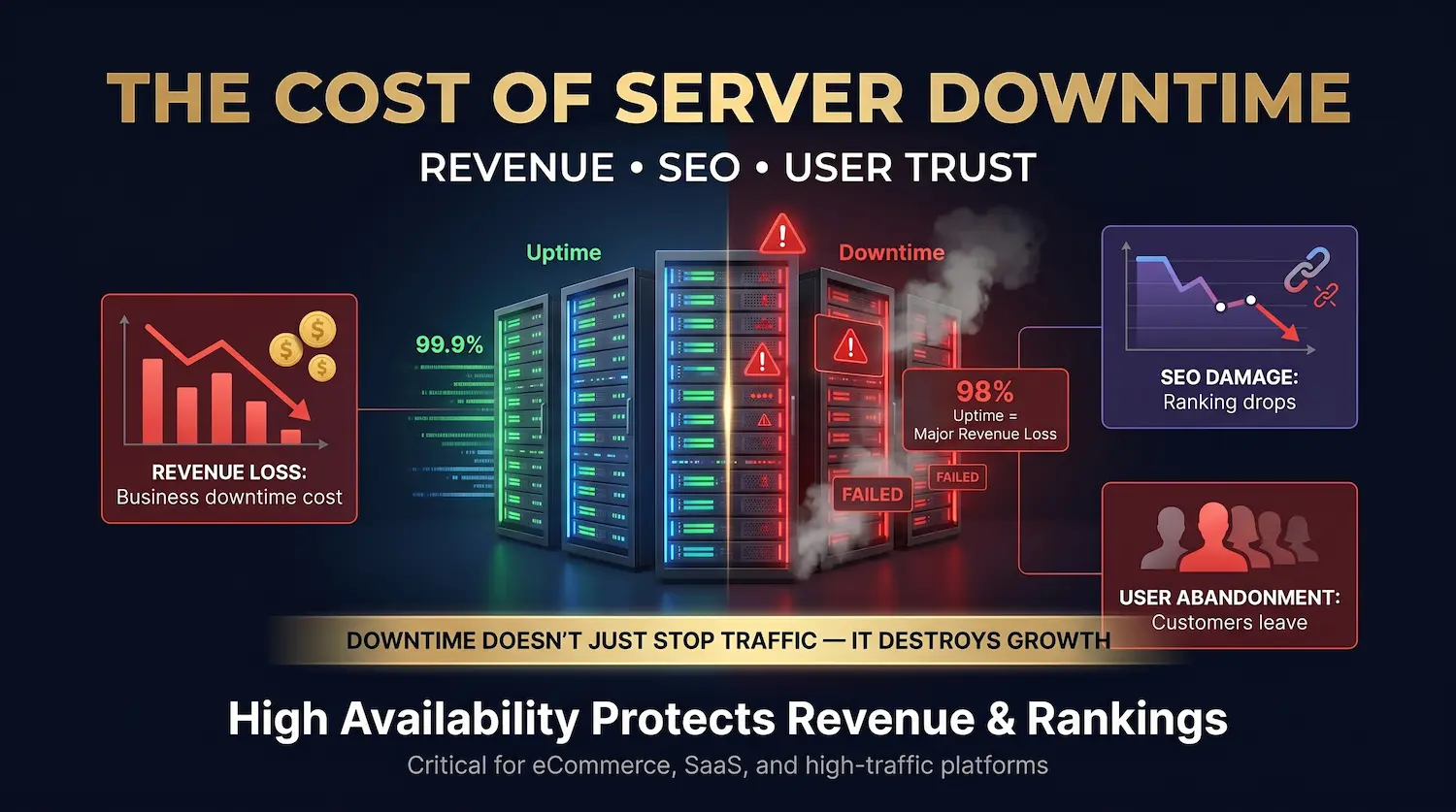
Server downtime directly causes severe financial losses and search engine ranking drops. A business generating ten million dollars annually loses approximately $192,066 operating at a 98 percent uptime baseline. Extended outages also force search engines to limit their crawl rate, permanently damaging your digital visibility.
The financial cost of an outage extends far beyond the immediate offline minutes. Data shows nine percent of visitors permanently abandon a brand after experiencing a downed site in favor of a competitor. If an outage happens during peak traffic hours, this abandonment rate translates into thousands of lost customers.
Your search engine optimization also takes a direct hit. Google wants to serve high-quality links to its users. If search engine bots hit 500-level errors on your server, they register a bad user experience. Google will try to recrawl the pages later. If the site remains unresponsive, Google will deindex your pages and you will lose your search rankings.
How to Minimize the SEO Impact of Downtime
You can protect your search engine rankings during planned maintenance by using a 503 Service Unavailable HTTP status code. This specific code tells search engine bots the downtime is temporary. Google will pause crawling and return later without penalizing your existing search rankings.
Never serve a standard 200 OK error page or a 404 Not Found screen during maintenance. You must set up a custom 503 page that includes a Retry-After header. This header gives the search engine a specific time to come back. You should also keep your robots.txt file active so crawlers can accurately read the 503 status.
Some webmasters try limiting crawl rate in Google Search Console to fix server load problems. You should avoid this setting entirely. You should only use the crawl limit tool if Googlebot traffic physically crashes your server. If standard bot traffic overwhelms your system, you need to upgrade your hosting infrastructure instead of blocking the search engine.
Common Causes of Downtime in Modern Data Centers
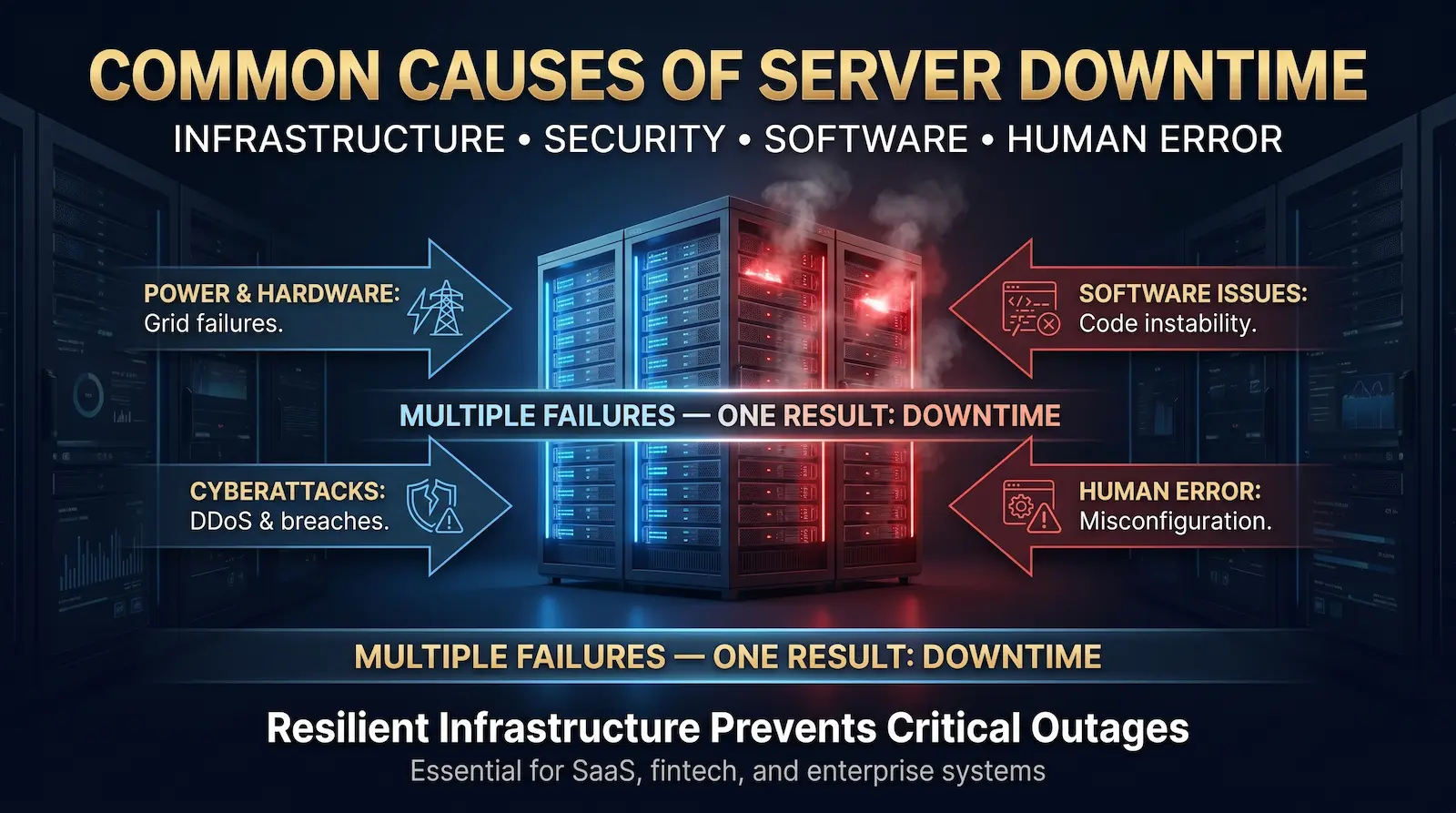
Modern system failures stem from severe municipal power grid strain, physical hardware breakdowns, and sophisticated cyberattacks. Unmaintained software plugins and administrative oversights also create immediate service interruptions. IT leaders must deploy redundant architecture to survive these physical and digital threats and maintain continuous availability.
Hardware Failures and Power Grid Strain
Physical hardware components fail, but macroeconomic power limitations represent a larger threat. High-density artificial intelligence computing severely drains municipal power grids globally. Data centers face massive cooling bottlenecks. Servers go dark during local grid failures unless facilities utilize independent microgrids and advanced failover systems.
Security Breaches and Traffic Overloads
Targeted security breaches force highly stable systems offline. Attackers deploy distributed denial of service tactics to overwhelm network capacity and exhaust server resources. Advanced cyber threats also target DNS routing and manipulate SSL certificates, forcing extended service outages while security teams scrub the compromised infrastructure.
Software Issues and Code Instability
Internal software issues frequently crash healthy hardware environments. Pushing untested code to a production environment causes immediate system instability. Outdated plugin issues represent a massive structural vulnerability for content management systems. A single poorly coded extension easily exhausts server memory and triggers a complete application crash.
Administrative Oversight and Human Error
Basic administrative errors easily break the entire digital dependency chain. Human error causes a massive percentage of highly preventable network failures. Staff members skipping established procedures or misconfiguring firewalls destroy system availability. A simple lapsed domain registration removes your web address from the global registry entirely.
Choosing the Right Infrastructure: VPS, Dedicated, and Bare Metal
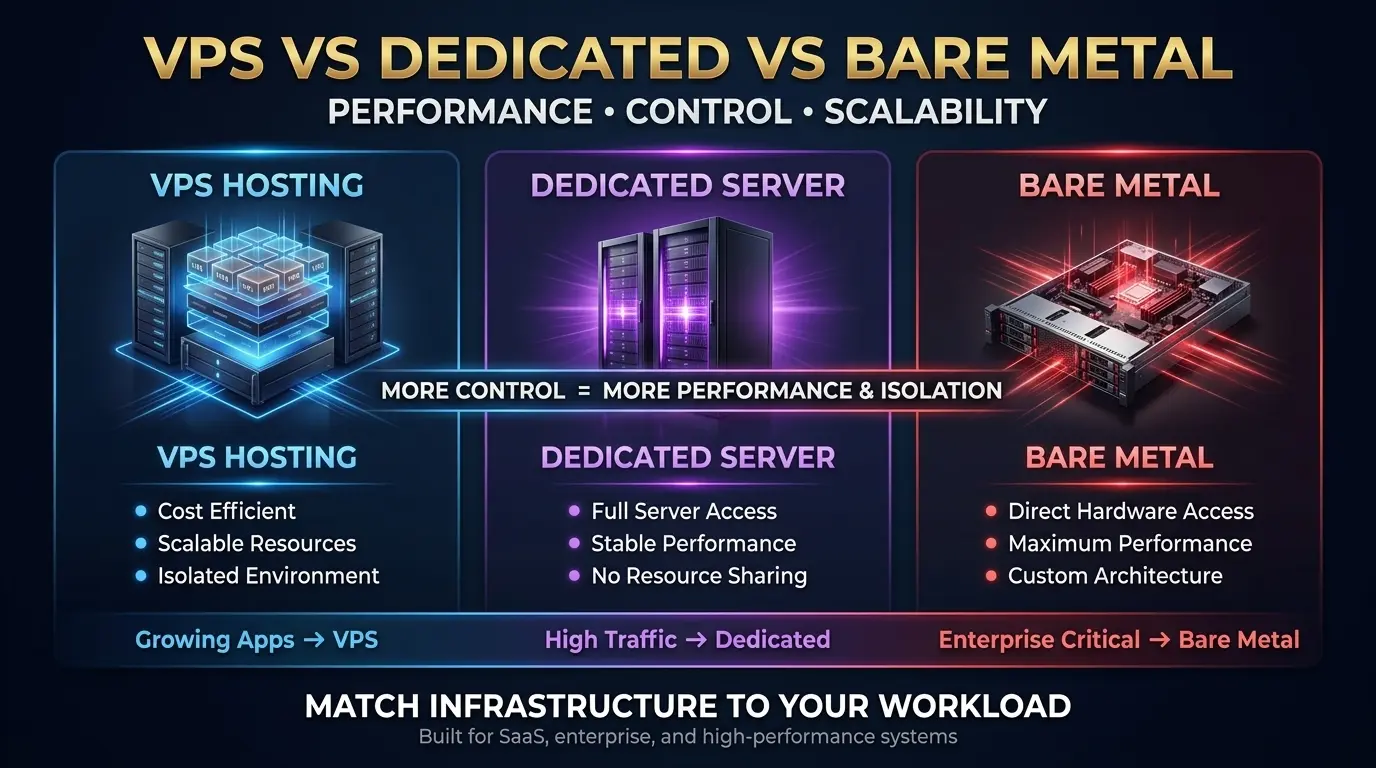
Selecting the right hosting environment directly dictates your system stability. High-traffic enterprise systems demand the absolute resource isolation provided by a bare metal dedicated server to prevent resource-draining noisy neighbor scenarios and ensure maximum performance during peak network loads.
Cheap hosting remains a primary cause of system failure. You must align your hardware type with your required availability standard. Premium providers like Atal Networks engineer environments specifically designed for maximum uptime and network security.
If you run a rapidly growing application, the best VPS provides dedicated resources within a shared physical environment. Virtual server hosting utilizes virtualization to isolate your data from other users. This creates a stable middle ground between cost and performance.
Enterprise organizations operating under strict Service Level Agreements require physical hardware isolation. The Beste dedicated server grants your engineering team direct access to the physical hardware without a hypervisor layer. This removes the risk of other tenants consuming your computing power. When you control the hardware entirely, you can engineer custom failover protocols that shared environments simply cannot support.
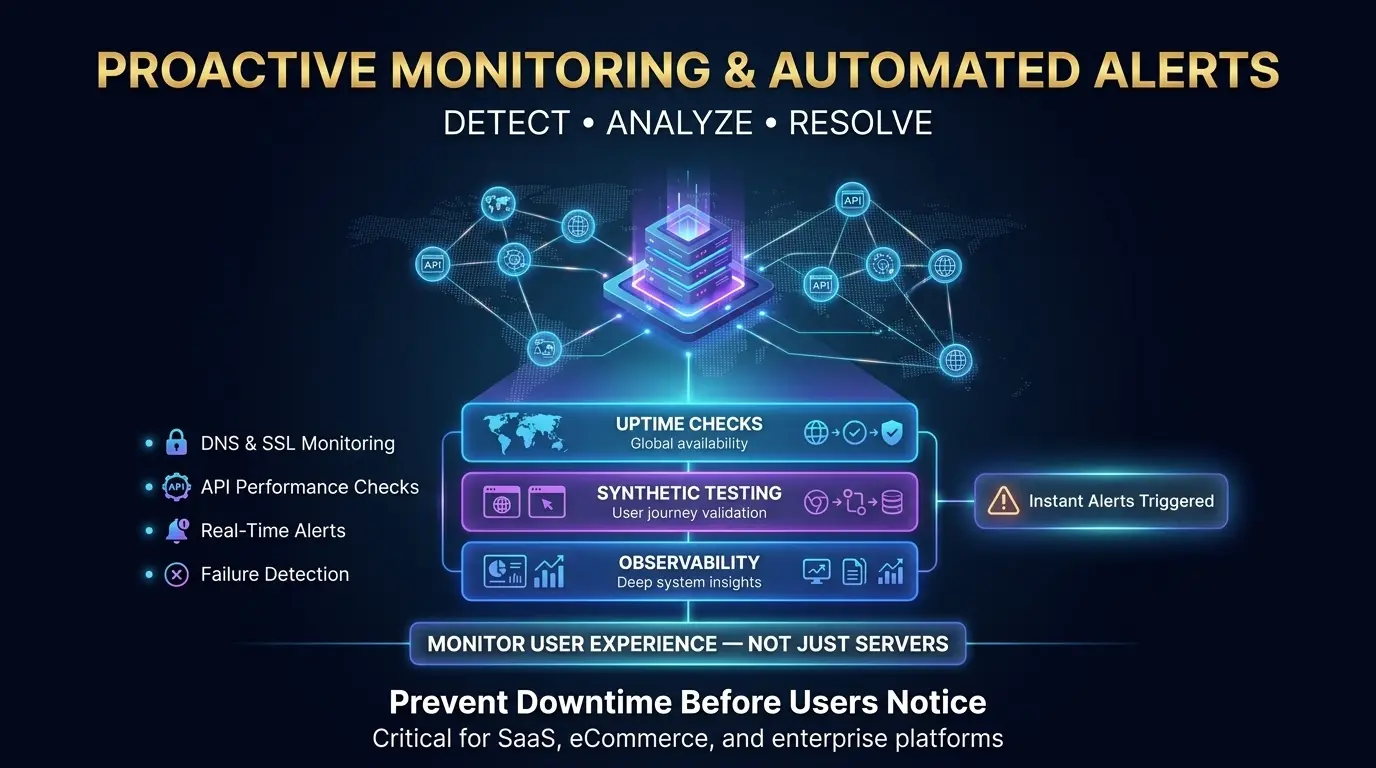
Proactive Monitoring and Automated Alerts
Modern proactive monitoring requires continuous Digital Experience Monitoring. Instead of simply pinging hardware, this strategy utilizes global synthetic checkpoints to verify DNS records, SSL handshakes, and API functionalities. This allows teams to trigger automated alerts and resolve failures before users notice issues.
The era of pinging a server IP address to check for power is over. Businesses must deploy monitoring architectures that track the actual customer journey. If your payment gateway API fails, your server remains technically up, but your business sits financially down.
Effective infrastructure monitoring operates on three distinct layers:
- Simple Uptime Checks: Verifying the site loads quickly from multiple global locations.
- Synthetic Transaction Testing: Running automated bots through critical user flows, like adding an item to a cart or completing a login, to ensure the application actually works.
- Full Enterprise Observability: Integrating server logs, CPU telemetry, and application performance metrics to diagnose the root cause of an issue before it triggers an outage.
Veelgestelde vragen (FAQ)
Exactly what does server uptime mean?
Server uptime represents the continuous duration a digital service operates successfully and remains accessible to users. IT teams track this metric as a percentage over a set time window. Maintaining high availability guarantees your application processes traffic smoothly. This stability directly protects your monthly revenue.
Is there a difference between down time and downtime?
The terms down time and downtime mean the exact same thing in computing. Both phrases describe a state where a network becomes completely unavailable to users. Enterprise infrastructure teams use the single word downtime as the standard industry term to log system failures and track digital outages.
How do I know if my site is up or down?
You track site functionality accurately by deploying automated digital experience monitoring tools. These synthetic tracking platforms run continuous global checks on your web applications. The monitoring system sends an automated alert directly to your engineering team if your server stops responding or your security certificates fail.
Are there standards for a good server uptime percentage?
A standard server uptime percentage starts at 99.99 percent for modern enterprise applications. Industry professionals call this level four nines of reliability. This specific metric allows only fifty-two minutes of total offline time per year. Mission-critical systems target five nines to reduce annual failures to just five minutes.
References and Changelog
Last Updated: April 16, 2026
Official References:
- Uptime Institute: Annual Outage Analysis Report
- Amazon Web Services (AWS): Compute Service Level Agreements
- Google Search Central: Handling HTTP Network Errors and 503 Status Codes
- World Wide Web Consortium (W3C): Web Content Accessibility Guidelines (WCAG) 2.2