


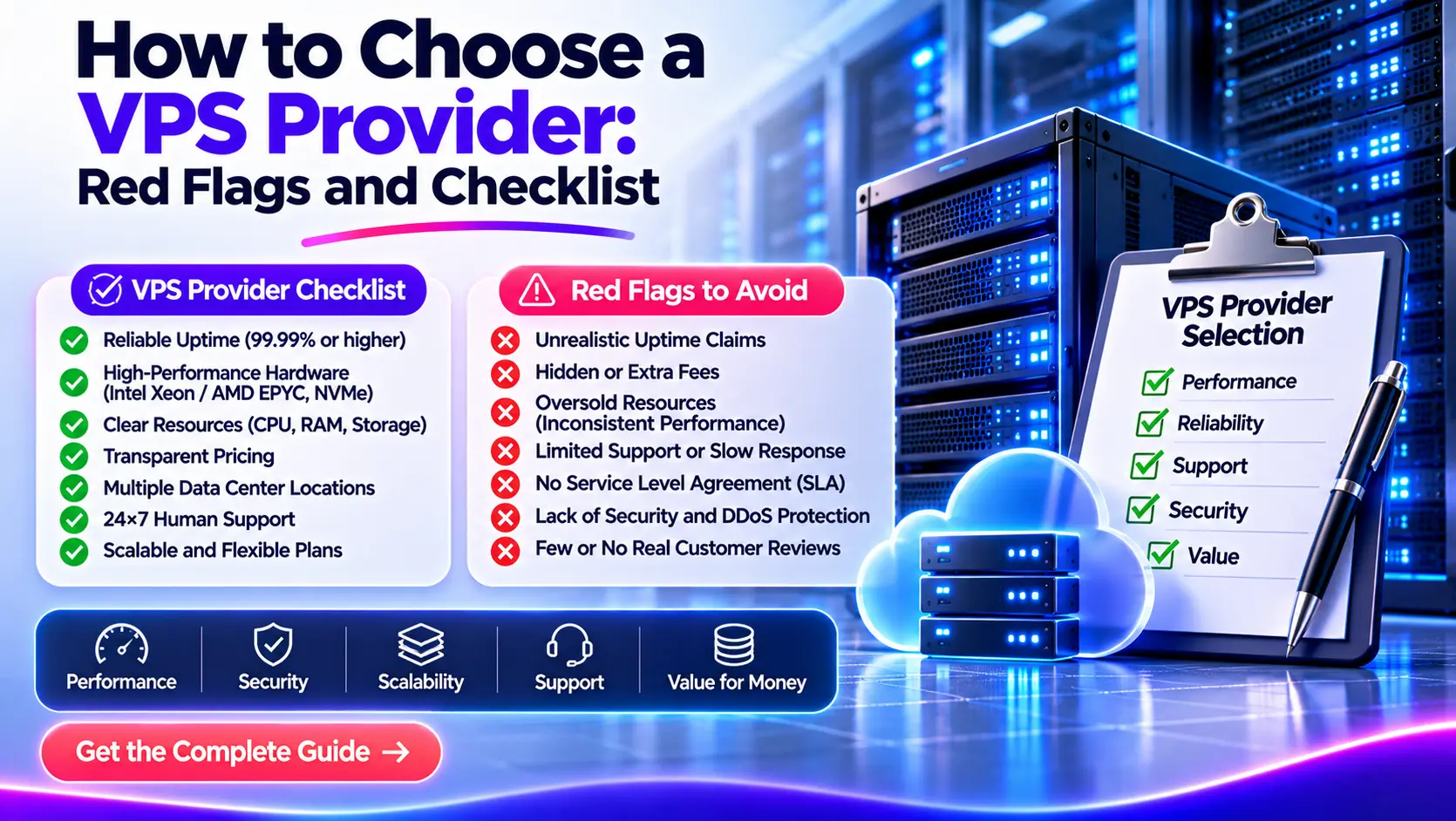
Choose a VPS provider by matching its resources, location, support, recovery options, and service terms to your workload. Check CPU limits, backup coverage, renewal pricing, and cancellation rules before paying. Then test a suitable plan with your application before moving live traffic or signing a long contract.
Two plans can list the same CPU count, RAM, and storage yet deliver different results. One may restrict sustained CPU use. Another may charge extra for backups or leave server maintenance to you.
We recommend comparing what you can run, recover, and afford. The checklist below helps you collect that evidence and spot problems before they affect your service.
VPS Provider Checklist: What to Check Before You Buy
Use this checklist for each shortlisted provider. Record pass, fail, 또는 unknown, and keep a link or written answer beside each result.
| Check | Evidence to request |
|---|---|
| Application compatibility | Supported operating systems, versions, CPU architecture, and required software |
| CPU allocation | Shared or dedicated CPU access, sustained-use limits, and any credit system |
| Memory | Available RAM, memory limits, and whether swap is supported |
| 저장 | Usable capacity, storage type, I/O limits, and expansion options |
| Location | Available deployment region and a relevant network test endpoint |
| Network allowance | Port speed, monthly transfer, traffic-counting rules, and overage charges |
| IP addresses and policies | IPv4/IPv6 availability, address charges, blocked ports, and permitted workloads |
| Management | Written list of included maintenance and administration tasks |
| 지원하다 | Technical support hours, channels, response commitments, and exclusions |
| Uptime terms | SLA scope, measurement period, exclusions, and claim procedure |
| Backups | Included data, schedule, retention, restore steps, and fees |
| Security and access | Account MFA, access controls, emergency console, and recovery process |
| Full cost | Amount due now, renewal price, licenses, add-ons, and taxes |
| Growth and exit | Upgrade downtime, export options, cancellation deadline, and data-deletion policy |
| Trial results | Application performance, restore success, support answers, and actual charges |
An unknown answer is not a pass. Resolve missing information for any requirement your service depends on before placing the order.
Define What Your VPS Must Run
A virtual private server, or VPS, provides a virtual server environment on physical hosting infrastructure. The provider supplies the platform; the plan and service agreement define the resources and work included.
Start with a short description of your application. Record its operating system, software stack, expected activity, storage needs, audience locations, and monthly budget.
Measure demand beyond visitor counts
Monthly visitors alone cannot tell you how much CPU or RAM to buy. A cached website and a database-heavy application can serve the same number of visitors with very different resource needs.
For an existing service, review peak CPU use, memory use, disk growth, transfer, and response times. For a new application, use its documented requirements as a starting point, then run a representative test.
| Workload | Checks that deserve extra attention |
|---|---|
| Small website | Cost, software support, backups, and administration effort |
| Online store | Database performance, checkout response time, recovery, and support |
| API or SaaS application | Response times under load, resource consistency, monitoring, and growth |
| Game server | CPU performance for the game, network delay, memory, and DDoS policy |
| Background worker | Sustained CPU permission, memory, job completion time, and transfer |
| Development server | Flexible billing, deployment tools, snapshots, and easy removal |
Set requirements that cannot be traded away
Separate mandatory requirements from preferences. A supported OS may be mandatory. A particular dashboard design may be a preference.
Also decide how much data you can lose and how long the service can remain unavailable. Those limits will guide your backup and support choices.
If nobody can maintain the server, include administration in the budget. An unmanaged VPS may fit a learning project but create unnecessary work for a business without an administrator.
Compare Resource Limits, Not Just CPU and RAM Counts
Resource counts describe part of a VPS plan. Allocation rules and application performance determine whether those resources meet your needs.
Check shared CPU, dedicated CPU, and sustained-use rules
A vCPU is a unit of virtual processing capacity. Do not assume that every listed vCPU gives you exclusive use of a physical core.
Shared CPU plans divide processor access among virtual servers. They can suit applications with light or changing demand. Dedicated CPU plans reserve processing capacity under the provider’s definition and can suit workloads that need more consistent access.
DigitalOcean’s CPU-plan documentation explains this distinction for its Droplets. Other providers may define their plans differently, so check the exact product terms.
Ask:
- Are the vCPUs shared or dedicated?
- Can the application use them continuously?
- Are there CPU credits or fair-use limits?
- What happens when a limit is reached?
KVM identifies a virtualization technology. It does not, by itself, prove that your CPU access is exclusive.
Check memory and storage behavior
Confirm the RAM available to the guest operating system. Leave room for the OS, application, database, and expected peaks. Swap can help with some memory pressure, but it is not a replacement for adequate RAM.
For storage, check capacity and performance separately. NVMe describes storage technology; it does not guarantee a particular application response time.
Ask about IOPS, which measures storage operations per second, and throughput, which measures data moved per second. Also check disk latency, local or network storage, and plan-level limits.
A database making many small requests needs a different storage test from a server sending large download files. Use your workload to judge the result instead of applying one benchmark threshold to every VPS.
Confirm software compatibility
Check the OS version, CPU architecture, and required licenses. Software built for x86 may need different packages or changes on an ARM server.
If you need Windows, a custom ISO, a particular kernel feature, or a control panel, confirm support before ordering. Full administrator access does not remove software, licensing, or platform limits.
Check Location, Network Limits, and IP Options
Choose a region that serves both your users and the systems your application calls. The closest location on a map is a starting point, not a measured result.
Test the network from relevant locations
Ask for a test IP or looking glass where available. A looking glass lets you inspect routes or run network checks from the provider’s network.
Check latency, packet loss, and application response time from networks your users actually use. Include connections to external databases, storage, or APIs when these affect performance.
A test endpoint may use different equipment or limits from your purchased VPS. Repeat the checks after deployment.
Separate port speed from transfer allowance
A 1 Gbps port describes a connection rate. A 5 TB transfer allowance describes an amount of data over a billing period. Neither figure alone tells you what sustained application throughput you will achieve.
Before buying, ask whether:
- The port capacity is shared or reserved.
- Transfer counts outbound traffic, inbound traffic, or both.
- Exceeding the allowance causes charges, throttling, or suspension.
- “Unmetered” traffic has a stated port limit or fair-use policy.
Include backup uploads, synchronization, and software downloads in your traffic estimate. User visits are only one source of transfer.
Check IP addresses and permitted workloads
Confirm whether IPv4 costs extra and whether IPv6 meets your connectivity needs. An IPv6-only server may need another service to reach or serve IPv4-only systems.
Check reverse DNS and outbound email restrictions if you plan to send mail. For VPN, proxy, or other network services, read the acceptable-use policy and confirm that your intended activity is permitted.
Review abuse handling too. Find out how the provider sends notices, when it may suspend service, and how you can respond.
Read the Support Scope and Uptime Terms
“24/7 support” describes availability. It does not explain which problems the provider will fix.
Assign ownership for each task
Use a responsibility table before choosing managed or unmanaged hosting.
| Task | Question to ask |
|---|---|
| Physical host failure | Who restores the hosting platform, and how are updates shared? |
| OS updates | Who installs patches and handles required reboots? |
| Application updates | Are the website, runtime, database, and plugins included? |
| Monitoring | Does the provider monitor only the host, or also the guest and application? |
| Backups | Who configures them and checks for failed jobs? |
| Restoration | Who performs the restore, and does it cost extra? |
| Security incident | Which investigation and recovery tasks are included? |
Managed hosting can reduce administration work, but its scope varies. A control panel or automated installer does not replace a clear maintenance agreement.
Separate response time from resolution time
A fast reply can acknowledge a ticket without fixing the problem. Ask about technical support hours, priority handling, and any written response commitments.
Send a genuine technical question before purchase. Assess whether the answer addresses your exact plan and workload. Treat that reply as one piece of evidence, not proof of future emergency support.
Read the terms behind the uptime percentage
A service-level agreement, or SLA, defines a commitment and its conditions. Check what counts as downtime, which services it covers, and how credits are claimed.
For a simple time-based calculation over a 30-day month:
| Availability | Corresponding unavailable time |
|---|---|
| 99.9% | 43.2 minutes |
| 99.99% | 4.32 minutes |
| 99.999% | 25.92 seconds |
The calculation is 43,200 minutes × (1 − availability). These figures are mathematical equivalents, not a prediction of outages. The actual SLA may use different measurement rules or exclusions.
A service credit does not recover lost orders or restore data. A single VPS can also remain a point of failure even when the facility has redundant power and networking.
Confirm That You Can Recover Your Data and Access
A backup is useful only if it includes the required data and you can restore that data when needed.
Check exactly what backups include
Ask whether the backup covers the boot disk, attached storage, databases, configuration files, and any external services.
For example, Hetzner’s documentation states that its server backups and snapshots do not include attached volumes. That is a product-specific rule, but it shows why “backups available” is not a complete answer.
A server image could restore correctly while a database stored on an excluded volume remains missing.
Check retention, restore fees, storage location, and whether backup access depends on the same account or platform. Keep a separate copy of business-critical data that you control. RAID can help with certain disk failures, but it does not replace backups.
Match recovery to the business
Two terms help define the requirement:
- Recovery point objective, or RPO: the acceptable amount of data loss, measured in time.
- Recovery time objective, or RTO: the target time to restore service.
If losing an hour of orders is unacceptable, a daily backup alone does not meet that requirement. A large backup that takes several hours to restore may also miss your recovery target.
Snapshots can help with rollback, but their storage design and recovery limits vary. A running database may need a database-aware backup process to preserve a usable state. Do not assume every server snapshot provides that.
Test restoration with disposable data before depending on the service. Check that the application starts and that the expected records are present.
Protect account and emergency access
Check whether the customer account supports multifactor authentication, or MFA. Keep recovery codes somewhere accessible if the VPS fails.
For a business account, use a business-controlled email address and appropriate team permissions. Avoid making one former employee or outside contractor the only person who can access the service.
Confirm that console or rescue access works when SSH or Remote Desktop does not. Check DDoS protection scope too, including what traffic it covers and when the provider may block traffic to an attacked IP.
Calculate the Full Cost and Check the Exit Terms
Compare complete deployments over the same period. A discounted monthly-equivalent price can hide a large upfront payment or a higher renewal rate.
Add the costs your application needs
Include the server, backups, IP addresses, licenses, management, extra storage, transfer, setup, and taxes.
The following amounts are fictional and show the method only:
| Cost item | First-term monthly cost | Renewal monthly cost |
|---|---|---|
| VPS plan | $10 | $15 |
| Backup service | $3 | $3 |
| IPv4 address | $2 | $2 |
| Control-panel license | $5 | $5 |
| Total before tax and usage charges | $20 | $25 |
The advertised $10 plan becomes a $20 deployment. Under these assumptions, the renewal total reaches $25.
If each price applied for 12 months, the totals would be $240 and $300 before tax or other fees. Check the actual billing term rather than assuming that the displayed monthly price allows monthly payment.
Also budget for administration. A lower hosting bill may require more staff time for updates, incidents, and recovery.
Check what stops billing
Turning off a VPS does not always stop charges. Hetzner, for example, bills allocated cloud servers until they are deleted, regardless of power state. [3]
Other providers may require cancellation through a billing portal or notice before renewal. Ask about the exact process.
Storage, snapshots, and IP addresses may remain billable after a server is removed. Check each resource, but export and test recovery of your data before deleting anything you need.
Plan for upgrades and departure
Ask whether a resource upgrade requires a reboot, migration, or IP change. Check whether disk capacity can be reduced later; some platforms require a move to a smaller server instead.
Before committing, confirm:
- How to export files, databases, and configuration.
- Whether migration help covers your software.
- How much cancellation notice is required.
- Which charges are refundable.
- When server data and backups are deleted.
Keep copies of the order, agreed specifications, and applicable terms. If data location or certifications matter to your organization, check their exact service scope rather than relying on a badge.
VPS Provider Red Flags and What to Do Next
The most useful warning signs are unclear terms, conflicting claims, and missing evidence for something your workload needs.
| Warning sign | What to ask | What to do |
|---|---|---|
| “Dedicated resources” has no definition | Is CPU access shared, reserved, or subject to a usage limit? | Resolve the allocation before buying |
| “Unlimited” traffic has no clear policy | What port, transfer, and fair-use limits apply? | Compare the written limits |
| “Managed” has no task list | Which OS and application tasks are included? | Assign ownership for every required task |
| Backups lack restore details | What data is covered, and how is it restored? | Run a restore test |
| Uptime claims lack accessible terms | What is measured, excluded, and credited? | Assess the SLA rather than the headline |
| A low price hides a long payment term | What is due now, and what is charged at renewal? | Compare the same billing period |
| Sales answers conflict with policies | Which written terms apply to this order? | Get the conflict resolved |
| Benchmarks omit methods | Which plan, region, workload, and settings were used? | Treat the numbers as unproven |
| Export or account recovery is unclear | How can we regain access and retrieve data? | Resolve this before moving live data |
| Similar complaints recur | What happened, and how did the provider respond? | Review dated evidence and repeated patterns |
A cheap plan, shared CPU, paid backups, or ticket-only support is not automatically a bad choice. These can be reasonable trade-offs when the terms are clear and the service fits your needs.
Reviews help identify questions to ask. Give more weight to detailed, recent accounts of the relevant service than to unexplained star ratings.
Test a Shortlist Before Moving Your Live Service
We recommend a small, controlled trial on suitable monthly or hourly terms where available. Confirm refund eligibility and testing rules first.
Run the same application on each plan
Use the intended region, OS, software versions, and a representative dataset. Apply the same test conditions to each candidate.
Record application response time, errors, CPU use, memory use, and relevant storage or network behavior. CPU steal time can indicate waiting for host processing time on systems that report it, but one reading does not prove harmful overselling.
Set success criteria before testing. For an API, that might mean acceptable response times and error rates at the expected load. For a worker, it might mean completing jobs within the required window.
Repeat tests at different times. A short peak result can hide inconsistent performance.
Test recovery and support
Use an isolated test server to create and restore a backup. Check the restored application and data, and record how long the process takes.
Ask a real support question about the plan. Record whether the answer is specific, technically useful, and consistent with the terms.
Use a simple test record:
| Field | What to record |
|---|---|
| Environment | Provider, plan, region, OS, and software versions |
| Method | Workload, dataset, load settings, and test duration |
| Timing | Date, time, and time zone |
| Result | Response times, errors, resource use, and restore outcome |
| Decision | Met requirement, failed requirement, or more evidence needed |
Review benchmark scripts before running them. Do not run destructive disk tests on production storage, and respect the provider’s load-testing rules.
A 24–72-hour trial may reveal issues. It cannot establish long-term uptime, so combine it with documented terms and available incident history.
Compare the Evidence and Choose a Provider
First remove plans that fail a mandatory requirement. Hold any plan with an unresolved critical question. Then compare the remaining options.
For a business application, we suggest these starting weights:
| Category | Weight |
|---|---|
| Workload fit | 25 |
| Backup and recovery | 20 |
| Support and administration | 20 |
| Network suitability | 15 |
| Full cost | 10 |
| Growth and exit options | 10 |
| Total | 100 |
Rate each category from 0 to 5 against your requirements. Calculate its points as weight × rating ÷ 5. For example, a recovery rating of 4 earns 16 out of 20 points.
This is our suggested decision aid, not an industry certification. Adjust the weights for your application and keep evidence beside each rating.
A strong total must never override a failed mandatory check. A low price cannot compensate for unsupported software or a recovery process that misses your business requirements.
자주 묻는 질문
Is a cheap VPS provider always a bad choice?
No. A low-cost VPS can suit development, small websites, and other light workloads. Check resource limits, administration duties, backups, and renewal costs. Price alone does not establish service quality.
Does KVM mean the CPU resources are dedicated?
No. KVM describes the virtualization technology. CPU access depends on the provider’s allocation rules and plan. Ask whether processing capacity is shared and whether sustained use is restricted.
Are four vCPUs faster than two vCPUs?
Not always. Results depend on processor performance, allocation, host demand, and how well the application uses multiple threads. Compare the actual workload under the same conditions.
Does 24/7 support include server management?
Not necessarily. Support may cover account issues, networking, and host failures while leaving OS and application work to you. Ask for a written list of included management tasks.
Are VPS snapshots enough for backups?
It depends on their coverage, consistency, storage, and restore process. Check whether they include every required disk and remain accessible during the failures you need to handle. Keep a separate copy of critical data and test recovery.
Can I keep my IP address when changing VPS providers?
Usually, an address assigned from a provider’s pool stays with that provider. Plan for an address change and DNS updates. Portable address arrangements are a separate service and require explicit support.
Should I buy an annual VPS plan before testing?
We recommend testing first when practical. A longer term may reduce the price, but it increases the amount committed before you know whether the service fits. Read renewal, refund, and early-cancellation terms before prepaying.
Recommended Next Steps
Write down your mandatory requirements, shortlist two or three suitable providers, and complete the checklist with written answers. Test application performance and recovery before moving live traffic.
To assess our services, compare Atal Networks VPS hosting plans against the same checklist. Share your workload, preferred region, management needs, and recovery requirements with us so we can discuss a suitable configuration and its full cost.