 콘텐츠로 건너뛰기








A network firewall is a security device that monitors and controls network traffic based on predetermined security rules, creating a barrier between trusted internal networks and untrusted external networks like the internet. Firewalls examine data packets, compare them against security policies, and block unauthorized access while allowing legitimate communication.
Firewalls evolved from simple packet filters in the 1980s to sophisticated systems using artificial intelligence and machine learning. Modern firewalls protect against malware, data breaches, and unauthorized access while enabling secure business operations.
This guide covers firewall types, core functions, configuration steps, and best practices following NIST Special Publication 800-41 guidelines. You’ll learn how to select, deploy, and maintain firewalls that protect your network in 2026.
Table of Contents
- What Is a Network Firewall and How Does It Work?
- Why Organizations Need Network Firewalls
- Types of Network Firewalls: Complete Classification
- Core Functions of Network Firewalls
- How to Configure a Network Firewall: Step-by-Step Guide
- Network Firewall Best Practices for 2026
- Network Firewall vs Other Security Technologies
- Choosing the Right Network Firewall
- Common Firewall Configuration Mistakes to Avoid
- Real-World Firewall Implementation Scenarios
- Firewall Performance Optimization
- Advanced Firewall Features and Use Cases
- Firewall Compliance and Audit Requirements
- Future Trends in Network Firewall Technology
- 자주 묻는 질문
- Conclusion
What Is a Network Firewall and How Does It Work?
Network firewalls are security systems positioned between networks with different security levels—typically between your internal network and the internet—that inspect all traffic passing through and enforce security policies by allowing or blocking data based on predefined rules.
Firewalls work by examining data packets, the small units that carry information across networks. Each packet contains header information (source IP address, destination IP address, port numbers, protocol type) and payload data (actual content being transmitted).
The firewall compares each packet against its ruleset. Rules specify conditions like “allow web traffic from internal network to internet” or “block all incoming traffic except on port 443.” When a packet matches a rule, the firewall executes the associated action—allow, deny, or alert.
State tracking separates modern firewalls from basic packet filters. Stateful firewalls maintain tables tracking active connections, not just individual packets. This context awareness prevents attackers from injecting malicious packets into legitimate connections.
Firewalls log every decision: which packets passed through, which were blocked, source and destination addresses, ports used, protocols, and timestamps. Security teams analyze these logs to identify attacks, troubleshoot issues, and maintain compliance.
Why Organizations Need Network Firewalls
Organizations deploy firewalls to prevent unauthorized network access, block malware and threats before they reach internal systems, control which applications can use network resources, segment networks to contain security breaches, meet compliance requirements for PCI DSS, HIPAA, and GDPR, and monitor network traffic for security analysis.
Without firewalls, networks remain exposed to internet threats. Attackers can scan for vulnerabilities, exploit unprotected services, steal data, and install malware. Firewalls create the first defense layer that stops most attacks before they reach your systems. For comprehensive protection, firewalls work alongside other network security measures to create defense-in-depth strategies.
Types of Network Firewalls: Complete Classification
Network firewalls are classified by filtering method, form factor, and network placement. Understanding these categories helps you choose the right firewall for your environment.
What Are Packet-Filtering Firewalls?
Packet-filtering firewalls operate at the network layer (Layer 3) by examining packet headers—source IP, destination IP, port numbers, and protocols—and making allow/deny decisions based on simple matching rules without inspecting packet contents.
These firewalls offer fast performance because they only check headers, not payloads. They consume minimal resources and handle high traffic volumes efficiently. Most routers include basic packet-filtering capabilities.
The limitation is lack of context. Packet filters evaluate each packet independently without understanding connection state or application behavior. They can’t detect threats hidden in packet contents or prevent attacks that exploit stateless filtering.
What Are Stateful Inspection Firewalls?
Stateful inspection firewalls track the state of network connections by maintaining state tables that record connection information—source, destination, ports, sequence numbers, and connection status—enabling context-aware filtering decisions.
When connections establish, the firewall creates state table entries. Subsequent packets are validated against these entries. The firewall verifies that incoming packets belong to legitimate established connections, blocking unsolicited traffic.
Stateful firewalls handle dynamic protocols like FTP that use multiple ports. They track related connections automatically, allowing legitimate data transfers while blocking unauthorized connection attempts.
The trade-off is resource consumption. State tables require memory and processing power, especially on networks with thousands of simultaneous connections.
What Are Next-Generation Firewalls (NGFW)?
Next-generation firewalls combine traditional stateful inspection with advanced security features: deep packet inspection of content, application-layer awareness regardless of port or protocol, integrated intrusion prevention systems, malware detection and blocking, and SSL/TLS decryption for encrypted traffic inspection.
NGFWs identify applications by analyzing traffic patterns, not just port numbers. They can block specific applications or features while allowing others. For example, allowing Facebook access but blocking Facebook games.
Many NGFWs incorporate threat intelligence feeds providing real-time data on malicious IPs, domains, and file hashes. Some use machine learning to identify unknown threats through behavioral analysis.
Identity-based policies let NGFWs enforce rules based on users, not just IP addresses. Integrated with Active Directory, they create rules like “allow marketing team to access cloud storage” rather than IP-based restrictions.
What Are Web Application Firewalls (WAF)?
Web application firewalls protect web applications and APIs by filtering HTTP/HTTPS traffic, analyzing requests and responses for attack patterns like SQL injection, cross-site scripting (XSS), and other OWASP Top 10 vulnerabilities.
WAFs sit between web clients and servers, inspecting application-layer traffic. They parse HTTP headers, cookies, parameters, and request bodies to identify malicious patterns while allowing legitimate requests.
WAFs use signature-based detection for known attacks and behavioral analysis for unusual patterns. Many incorporate machine learning to adapt to new attack techniques automatically.
Organizations exposing web applications to the internet need WAFs as a critical security layer complementing network firewalls.
Hardware Firewalls vs Software Firewalls vs Cloud Firewalls
Hardware firewalls are dedicated physical appliances with purpose-built processors that inspect traffic at high speeds (tens to hundreds of gigabits per second) without consuming server resources. They offer centralized management but require upfront investment.
Software firewalls run as applications on general-purpose computers or servers, providing flexibility and rapid deployment without hardware purchases. They work well in virtualized and cloud environments but share resources with other applications.
Virtual firewalls are software firewalls designed for virtualized and cloud environments, protecting east-west traffic between servers and enabling microsegmentation. They scale automatically with cloud infrastructure.
Cloud firewalls (FWaaS) deliver firewall services from the cloud with no hardware to maintain. Providers handle updates, scaling, and infrastructure management. They integrate with SASE architectures for remote worker security but may introduce latency.
Perimeter Firewalls vs Internal Firewalls
Perimeter firewalls sit at network boundaries between internal networks and the internet, filtering all traffic entering or leaving your network. They implement strict default-deny policies, blocking all inbound traffic except explicitly exposed services.
Internal firewalls protect network segments within your organization, controlling east-west traffic between servers, departments, or security zones. They implement network segmentation limiting breach impact and support Zero Trust security models.
Core Functions of Network Firewalls
Traffic Filtering and Access Control
Firewalls examine network traffic and apply rules determining whether to allow, deny, or alert on specific communications. Access control lists (ACLs) define filtering rules specifying conditions (source, destination, port, protocol) and actions (permit, deny).
The default-deny approach provides strongest security: deny all traffic by default, then create explicit allow rules for legitimate traffic. Any forgotten traffic gets blocked automatically, preventing security gaps.
Threat Prevention and Detection
Modern firewalls integrate intrusion prevention systems (IPS) that analyze traffic for known attack signatures and anomalous patterns. When detecting malicious activity, IPS can block traffic, reset connections, or alert security teams. Organizations often combine firewalls with dedicated intrusion detection and prevention systems for comprehensive threat visibility.
Malware detection inspects files and executables passing through the firewall using signature matching, heuristic analysis, and sandboxing that executes files in isolated environments to observe behavior.
URL filtering blocks access to malicious or inappropriate websites based on category databases maintained by security vendors and threat intelligence providers. DNS filtering examines DNS queries and blocks resolution of malicious domains, preventing malware communication and phishing access.
Following SANS security best practices, organizations should enable all available threat prevention features and tune them based on their specific threat landscape.
Network Address Translation (NAT)
NAT allows multiple devices on private networks to share single public IP addresses when accessing the internet. NAT conserves scarce public IPs and hides internal network structure from external observers.
Port Address Translation (PAT) extends NAT by using port numbers to track connections from multiple internal devices, allowing thousands of devices to share one public IP.
Static NAT creates permanent mappings between private and public IP addresses for servers requiring internet accessibility.
Network Segmentation
Firewalls enable network segmentation by dividing networks into security zones with different trust levels and access requirements. Common zones include external (internet), DMZ (public-facing servers), and internal (corporate network).
Microsegmentation uses internal firewalls to create small isolated zones, limiting lateral movement if attackers breach one segment. Learn advanced techniques in our guide to network segmentation strategies.
Logging and Monitoring
Firewalls generate detailed logs of traffic (allowed and denied connections), security events (intrusion attempts, malware detections), and administrative actions (configuration changes, login attempts).
Organizations forward firewall logs to Security Information and Event Management (SIEM) systems that aggregate, correlate, and analyze security data from multiple sources. Learn more about implementing effective SIEM solutions for network security to centralize your security monitoring.
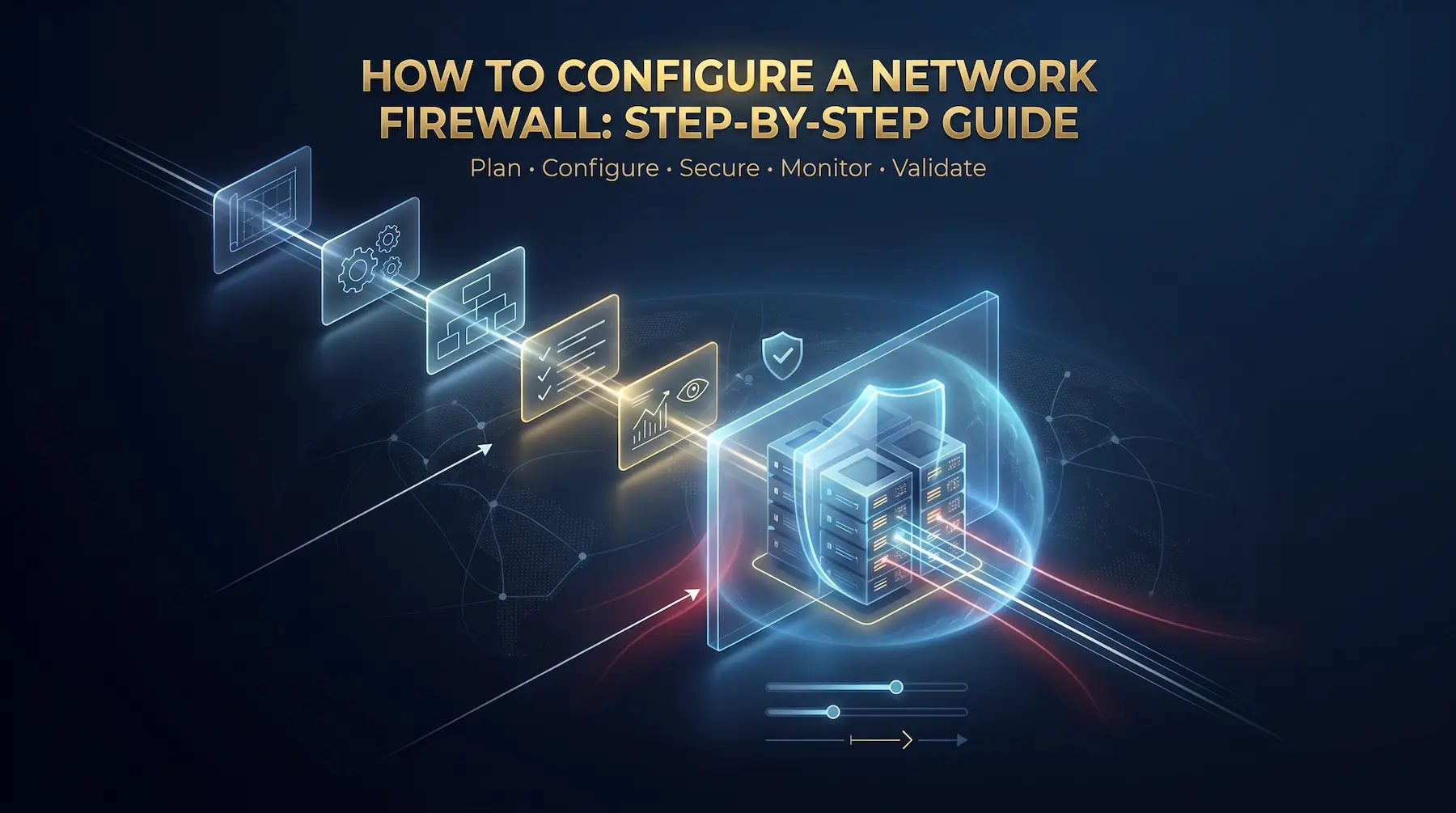
How to Configure a Network Firewall: Step-by-Step Guide
Proper configuration is critical for effective firewall security. Follow this comprehensive process to configure firewalls correctly.
Pre-Configuration Planning
Security Audit: Map network topology, identify all assets requiring protection, catalog existing security controls, and assess current vulnerabilities.
Requirements Definition: Define security objectives, compliance requirements (PCI DSS, HIPAA, SOC 2), performance needs, and budget constraints.
Architecture Design: Determine firewall placement, design network zones, plan high availability, and consider scalability.
Configuration Steps
Step 1: Initial Setup and Hardening
Change all default credentials immediately. Default usernames and passwords are publicly known security vulnerabilities.
Update firmware to the latest stable version before production deployment. Firmware updates include security patches for known vulnerabilities.
Configure secure management access. Disable unnecessary management protocols. Use encrypted protocols (SSH, HTTPS) for remote access. Restrict management access to specific IP addresses, never allowing internet connections.
Implement multi-factor authentication (MFA) for administrative access, preventing unauthorized access even with compromised credentials.
Disable all unnecessary services and features. Every enabled service represents potential attack surface.
Step 2: Define Security Zones and IP Structure
Create security zones grouping network resources with similar security requirements:
- External zone: Untrusted internet
- DMZ: Public-facing servers (web servers, email servers)
- Internal zone: Trusted corporate network
- Management zone: Network infrastructure and administration
Assign firewall interfaces to specific zones. Traffic flowing between zones passes through firewall rules.
Implement logical IP addressing aligned with security zones. Use private IP ranges (10.0.0.0/8, 172.16.0.0/12, 192.168.0.0/16) for internal networks.
Configure Network Address Translation hiding internal IP addresses from external networks.
Step 3: Configure Firewall Rules
Implement default-deny policy: block all traffic by default, then create explicit allow rules for necessary communications.
Create allow rules for legitimate traffic. Each rule specifies:
- Source zone/address
- Destination zone/address
- Service/port
- Action (allow/deny)
Rule Ordering: Firewalls process rules sequentially, taking action on first match. Place specific rules before general rules. Position commonly matched rules near the top for performance.
Rule Documentation: Document every rule including business justification, requester, and creation date. This documentation is invaluable for maintenance and reviews.
Example rules:
- Allow internal users to access web services (ports 80, 443)
- Allow email traffic to mail server (port 25)
- Allow DNS traffic to DNS servers (port 53)
- Deny all other traffic (default-deny)
Step 4: Enable Logging and Monitoring
Configure comprehensive logging capturing denied traffic (identify attacks and troubleshooting), allowed traffic (security analysis and compliance), and administrative actions (accountability and incident investigation).
Set log retention policies balancing historical data needs with storage constraints. Retain detailed logs for 30-90 days, summarized data for longer periods.
Configure alerts for critical events: multiple failed logins, detected intrusions, high denied traffic volumes, and configuration changes.
Establish log review processes. Schedule regular analysis identifying trends, attack patterns, and policy violations.
Step 5: Configure Advanced Security Features
Enable intrusion prevention: Configure IPS profiles balancing security with false positive rates. Start with vendor-recommended profiles, tuning based on your environment.
Implement SSL/TLS inspection: Many threats hide inside encrypted connections. Configure the firewall to decrypt, inspect, and re-encrypt traffic using trusted certificates.
Set up VPN connectivity: Configure VPN for remote users and site-to-site connections using strong authentication, encryption protocols, and access controls. For detailed VPN configuration guidance, see our comprehensive VPN setup and security guide.
Enable application control: Manage which applications can access your network. Block high-risk applications, restrict personal cloud storage, and control bandwidth-intensive applications.
Step 6: Testing and Validation
Create test environments mirroring production setups. Validate rules before production implementation.
Test each rule verifying expected behavior. Attempt allowed connections confirming success. Try blocked connections confirming denial.
Conduct penetration testing validating configuration from an attacker’s perspective. Engage security professionals to identify weaknesses.
Test failover mechanisms for high availability configurations. Simulate failures ensuring backup systems activate seamlessly.
Monitor performance under realistic loads. Ensure firewalls handle traffic volumes without introducing unacceptable latency.
Configuration Best Practices
Apply principle of least privilege throughout configuration. Grant users and systems only minimum network access required for their functions.
Maintain strict change management. Never make ad-hoc firewall changes. Follow documented approval processes for all changes.
Schedule regular rule cleanup quarterly. Remove obsolete rules, consolidate duplicates, and update outdated configurations.
Implement rule expiration dates for temporary access. Rules automatically disable when no longer needed.
Back up configurations regularly. Store backups separately from firewalls. Test restoration procedures ensuring quick recovery.
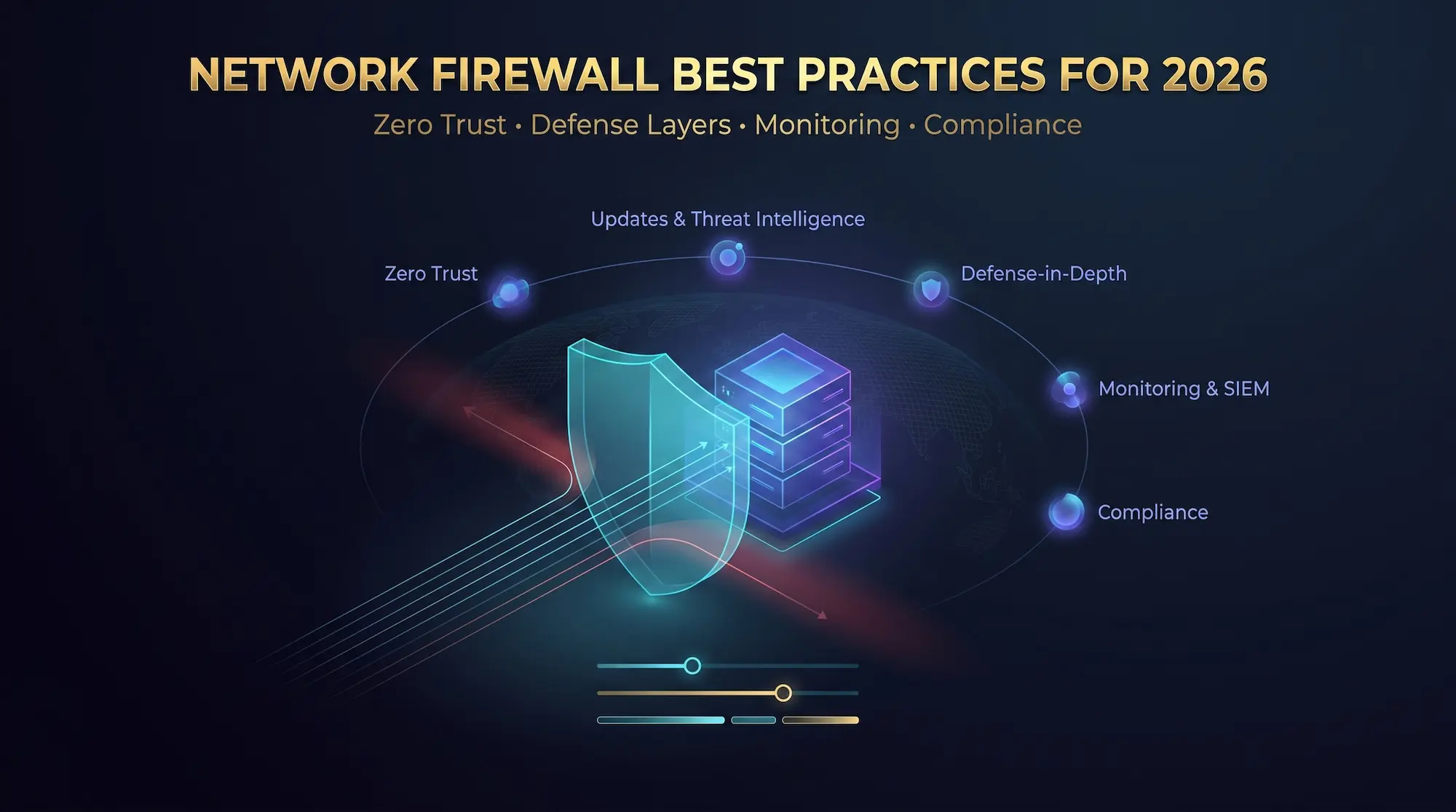
Network Firewall Best Practices for 2026
Embrace Zero Trust Architecture
Zero Trust eliminates the assumption that internal traffic is trustworthy. Configure firewalls supporting Zero Trust principles by implementing identity verification, continuous monitoring, and least-privilege access. Understanding Zero Trust security architecture is essential for modern network protection.
Implement identity-based access controls verifying user identity before granting network access. Integrate with directory services and multi-factor authentication.
Use internal firewalls for microsegmentation creating small zones with strict access controls, limiting lateral movement.
Apply least-privilege access rigorously. Users and systems access only specific required resources. Following CIS Controls for access management ensures industry-standard security practices.
Keep Firmware and Security Definitions Current
Establish patch management processes applying updates promptly without disrupting operations.
Subscribe to vendor security advisories monitoring for critical vulnerabilities. Prioritize patches addressing serious security flaws.
Update threat intelligence feeds regularly. Verify automatic downloads of malware signatures, URL categories, and intrusion detection signatures function correctly.
Test updates in non-production environments before production deployment.
Implement Defense in Depth
Never rely solely on firewalls. Implement multiple security layers working together:
Combine network firewalls with endpoint protection, intrusion detection systems, email security gateways, and web application firewalls.
Segment networks limiting breach impact. Multiple firewall layers and access controls prevent attackers from reaching critical assets.
Monitor and Analyze Traffic Continuously
Use SIEM systems aggregating firewall logs with data from other security tools. Correlation across sources identifies sophisticated attacks.
Establish baseline patterns for normal network traffic. Deviations indicate security incidents, misconfigurations, or business operation changes requiring policy updates.
Conduct regular security audits verifying firewall configuration aligns with security policies and compliance requirements.
Plan for Compliance
Many industries mandate specific firewall controls:
PCI DSS requires firewalls between payment card environments and untrusted networks with specific configuration standards.
HIPAA mandates network security controls protecting electronic health information.
GDPR requires appropriate security measures including network access controls for protecting personal data of EU citizens. Review GDPR security requirements to ensure your firewall configuration meets EU compliance standards.
Document how firewall configuration meets each requirement. Maintain audit trails showing configuration changes. Implement controls preventing unauthorized modifications.
Network Firewall vs Other Security Technologies
Firewall vs Antivirus
Firewalls monitor and control network traffic at network boundaries, preventing unauthorized access and blocking network-based attacks.
Antivirus software scans files and programs on individual devices, detecting and removing malware, ransomware, and viruses.
These technologies are complementary. Firewalls protect network perimeters while antivirus protects endpoints. Both are essential for comprehensive security.
Firewall vs VPN
Firewalls filter traffic based on security rules, controlling which communications are allowed between networks.
VPNs create encrypted tunnels over public networks, securing data in transit and enabling remote access to private networks.
Firewalls and VPNs work together. VPNs encrypt traffic, while firewalls control which traffic flows through VPN connections.
Firewall vs Intrusion Detection/Prevention Systems
Firewalls enforce access control policies, allowing or blocking traffic based on rules.
IDS/IPS analyze traffic for attack signatures and anomalous patterns, detecting (IDS) or preventing (IPS) malicious activity.
Modern NGFWs integrate IPS capabilities, combining access control with threat detection in single systems.
Choosing the Right Network Firewall
Assessment Criteria
Organization size determines firewall scale. Small businesses need cost-effective solutions handling modest traffic. Enterprises require high-performance systems managing complex networks.
Network complexity affects firewall requirements. Simple networks use basic firewalls. Complex multi-site networks need advanced features like VPN, application control, and centralized management.
Threat landscape determines required security features. Organizations facing advanced threats need NGFWs with IPS, malware detection, and threat intelligence.
Budget constrains options. Balance security requirements against available funding. Consider total cost of ownership including hardware, licenses, and management.
Regulatory requirements mandate specific controls. Ensure selected firewalls meet compliance needs for PCI DSS, HIPAA, or industry-specific regulations.
Key Evaluation Factors
Throughput measures how much traffic firewalls can inspect per second. Ensure capacity exceeds current needs with room for growth.
Latency is delay introduced by firewall inspection. Lower latency maintains application performance.
Security features vary by product. Evaluate IPS, malware detection, application control, SSL inspection, and threat intelligence capabilities.
Management complexity affects operational costs. Centralized management platforms simplify multi-firewall deployments.
확장성 ensures firewalls grow with your network. Cloud-based and virtual firewalls scale more easily than hardware appliances.
Common Firewall Configuration Mistakes to Avoid
Overly permissive rules grant broad access creating security gaps. Instead of allowing “any” source to “any” destination, create specific rules allowing only necessary traffic between defined sources and destinations.
Outdated firmware exposes known vulnerabilities attackers actively exploit. Update firmware regularly following vendor security advisories. Critical security patches should be applied within 30 days of release.
Poor rule documentation makes management difficult and creates compliance issues. Document every rule with business justification, requester name, creation date, and review date. This documentation proves invaluable during audits and troubleshooting.
No rule reviews let obsolete rules accumulate, creating security risks and performance impacts. Schedule quarterly reviews removing unnecessary rules, consolidating duplicates, and updating outdated configurations.
Disabled logging eliminates visibility into security events and compliance evidence. Enable comprehensive logging for denied traffic, allowed traffic, and administrative actions. Forward logs to SIEM systems for centralized analysis.
Single firewall dependency creates single points of failure. Implement high availability with redundant firewalls using active-passive or active-active configurations. Test failover regularly ensuring seamless transitions.
Ignoring encrypted traffic allows threats to bypass inspection. Over 80% of web traffic uses HTTPS encryption. Configure SSL/TLS decryption for encrypted traffic visibility, balancing security with privacy considerations.
Using default configurations without customization exposes well-known vulnerabilities. Change all default settings including usernames, passwords, management ports, and SNMP community strings.
Forgetting egress filtering focuses only on inbound threats while ignoring outbound traffic. Configure egress filtering blocking unauthorized outbound connections, preventing data exfiltration and command-and-control communications.
Lack of segmentation treats all internal traffic as trusted. Implement network segmentation using internal firewalls, separating critical assets from general user networks.
Real-World Firewall Implementation Scenarios
Small Business Firewall Setup
Requirements: 20-50 employees, single office location, limited IT staff, budget under $5,000.
Recommended Solution: Unified Threat Management (UTM) appliance combining firewall, antivirus, intrusion prevention, and VPN in single device.
Configuration Approach:
- Deploy UTM at internet connection point
- Create basic zones: internet, internal network, guest WiFi
- Implement default-deny with rules for web (80, 443), email (25, 587), and DNS (53)
- Enable automatic updates for threat signatures
- Configure VPN for remote workers
- Set up email alerts for security events
Key Considerations: Simple management interface, automatic updates, vendor support, and all-in-one functionality reducing complexity.
Enterprise Multi-Site Firewall Architecture
Requirements: 500+ employees, multiple office locations, data center, cloud services, dedicated security team.
Recommended Solution: Next-generation firewalls at each location with centralized management, complemented by cloud firewall services for remote users.
Configuration Approach:
- Deploy NGFWs at each site perimeter
- Implement internal firewalls for microsegmentation
- Create security zones: external, DMZ, internal, management, development
- Configure site-to-site VPNs between locations
- Integrate with Active Directory for identity-based policies
- Deploy cloud firewall (FWaaS) for remote worker traffic
- Implement centralized logging and SIEM integration
- Configure high availability at critical locations
Key Considerations: Centralized policy management, consistent security across sites, scalability, redundancy, and integration with existing security infrastructure.
Cloud-Native Application Firewall Strategy
Requirements: Cloud-first organization, containerized applications on Kubernetes, microservices architecture, DevOps environment.
Recommended Solution: Virtual firewalls and container firewalls integrated with cloud platform, deployed through infrastructure-as-code. Organizations transitioning to cloud should review comprehensive cloud security strategies for holistic protection.
Configuration Approach:
- Deploy virtual firewall instances in each cloud VPC
- Implement container firewalls for Kubernetes clusters
- Configure security groups and network ACLs
- Create microsegmentation between microservices
- Integrate with CI/CD pipelines for automated deployment
- Implement API gateway security
- Configure cloud-native logging and monitoring
Key Considerations: Automation, scalability, DevOps integration, API security, and cloud-native tools integration.
Firewall Performance Optimization
Optimizing Rule Processing
Rule ordering significantly impacts firewall performance. Firewalls process rules sequentially, stopping at the first match. Place frequently matched rules near the top of the ruleset reducing processing time for most traffic.
Rule consolidation reduces ruleset size and improves performance. Instead of creating separate rules for each IP address, use network ranges or groups. Consolidate rules with similar actions.
Object grouping simplifies management and improves performance. Create address groups, service groups, and application groups. Reference groups in rules instead of individual objects.
Rule cleanup removes unused rules improving performance and reducing confusion. Track rule hit counts identifying unused rules for removal during quarterly reviews.
Handling High-Traffic Scenarios
Hardware selection must match traffic requirements. Calculate expected throughput including all security features (IPS, SSL inspection, application control). Size hardware with 30-50% headroom for growth and traffic spikes.
SSL inspection significantly impacts performance. Decrypting and re-encrypting traffic consumes substantial processing power. Consider:
- Selective SSL inspection for sensitive traffic categories
- SSL inspection bypass for trusted applications
- Hardware acceleration for cryptographic operations
- Regular performance monitoring during SSL inspection
Connection limits prevent resource exhaustion. Configure maximum concurrent connections preventing memory exhaustion. Monitor connection usage establishing baselines and identifying anomalies.
Traffic prioritization ensures critical applications receive bandwidth. Configure Quality of Service (QoS) policies prioritizing business-critical traffic like VoIP and video conferencing over less critical applications.
Advanced Firewall Features and Use Cases
Application Layer Gateway (ALG) Functionality
ALGs help firewalls handle complex protocols requiring special processing. Common ALGs include:
FTP ALG handles FTP’s control and data channels, allowing dynamic data port allocation while maintaining security.
SIP ALG manages Session Initiation Protocol for VoIP traffic, handling dynamic port allocation for voice and video calls.
H.323 ALG supports video conferencing protocols, managing multiple data streams and dynamic ports.
ALGs can sometimes cause connectivity issues. If experiencing problems with specific applications, try disabling relevant ALGs for troubleshooting.
Geo-Blocking and Geographic Restrictions
Geo-blocking restricts traffic based on geographic origin, useful for:
- Blocking traffic from countries where you don’t do business
- Preventing attacks from known hostile regions
- Meeting data sovereignty requirements
- Reducing exposure to specific threat actors
Configure geo-blocking carefully. Legitimate users traveling internationally need access. VPNs and proxies can circumvent geo-blocking.
Threat Intelligence Integration
Threat intelligence feeds provide real-time information about malicious IP addresses, domains, and file hashes. Firewalls automatically block traffic matching threat intelligence indicators.
Benefits include:
- Automatic blocking of known malicious sources
- Reduced time between threat discovery and protection
- Context for security events and incidents
- Improved detection of sophisticated attacks
Subscribe to multiple threat intelligence feeds for comprehensive coverage. Commercial feeds often provide higher quality and faster updates than free alternatives.
Firewall Compliance and Audit Requirements
PCI DSS Firewall Requirements
Payment Card Industry Data Security Standard (PCI DSS) mandates specific firewall controls:
Requirement 1.1: Establish firewall configuration standards documenting approved services, protocols, and ports. Review configurations at least every six months.
Requirement 1.2: Build firewalls between any wireless networks and the cardholder data environment, regardless of whether the wireless network is corporate or guest.
Requirement 1.3: Prohibit direct public access between the internet and any system component in the cardholder data environment.
Documentation requirements: Maintain network diagrams, firewall configuration standards, rule justifications, and change approval records.
HIPAA Security Rule Firewall Mandates
Health Insurance Portability and Accountability Act (HIPAA) Security Rule requires:
Technical safeguards including firewalls protecting electronic protected health information (ePHI) from unauthorized access.
Access controls limiting network access to authorized individuals and systems.
Audit controls logging and monitoring network access to ePHI.
Transmission security protecting ePHI during electronic transmission over networks.
Conducting Firewall Audits
Regular firewall audits verify compliance and identify security gaps:
Configuration review compares current settings against documented standards, identifying unauthorized changes and configuration drift.
Rule analysis examines each rule verifying business justification, removing obsolete rules, and consolidating duplicates.
Log review analyzes traffic patterns, identifies blocked attack attempts, and verifies logging is functioning correctly.
Change audit reviews all configuration changes ensuring proper approval and documentation.
Vulnerability assessment tests firewall security identifying potential weaknesses and configuration errors.
Compliance mapping documents how firewall configuration meets each applicable regulatory requirement.
Future Trends in Network Firewall Technology
AI and Machine Learning in Firewalls
Machine learning enables firewalls to detect previously unknown threats by analyzing behavior patterns rather than relying solely on signatures.
Applications include:
- Anomaly detection identifying unusual traffic patterns
- Zero-day threat detection catching attacks before signatures exist
- False positive reduction through intelligent pattern recognition
- Automated threat response based on learned behaviors
Predictive security uses ML to anticipate attacks before they occur, analyzing patterns in threat intelligence and network behavior to predict likely attack vectors.
Integration with SASE and Zero Trust
Secure Access Service Edge (SASE) converges network security and wide-area networking in cloud-delivered services. Firewalls are core SASE components providing:
- Cloud-delivered firewall services
- Identity-based access control
- Unified policy management
- Consistent security regardless of location
Zero Trust Network Access (ZTNA) replaces VPNs with identity-centric access control. Firewalls integrated with ZTNA provide:
- Continuous authentication and authorization
- Microsegmentation at the application level
- Least-privilege access enforcement
- Device posture verification
Quantum-Safe Encryption
Quantum computing threatens current encryption methods. Future firewalls will implement quantum-resistant cryptographic algorithms protecting against quantum computer attacks on encrypted traffic.
5G and Edge Computing Security
5G networks introduce new security challenges requiring firewall adaptation:
- Increased bandwidth and connection density
- Network slicing requiring traffic isolation
- Edge computing bringing applications closer to users
- IoT device proliferation expanding attack surfaces
Firewalls evolve to protect distributed 5G and edge computing environments with lightweight virtual instances deployed at edge locations.
자주 묻는 질문
What is the difference between stateful and stateless firewalls?
Stateless firewalls examine each packet independently using only header information, making simple allow/deny decisions without connection context. Stateful firewalls track connection states in state tables, understanding whether packets belong to established connections, providing much better security by preventing attacks that exploit stateless filtering.
How often should I update firewall rules?
Review firewall rules quarterly at minimum. More frequent reviews may be necessary for rapidly changing environments. Always review rules when adding new systems, applications, or services requiring network access.
Can firewalls protect against all cyber attacks?
No. Firewalls protect against network-based attacks but cannot prevent phishing, social engineering, or attacks exploiting vulnerabilities in allowed traffic. Use firewalls as part of comprehensive defense-in-depth strategies combining multiple security layers.
What ports should typically be open on a firewall?
Only open ports for services that must be accessible. Common examples: port 80 (HTTP) and 443 (HTTPS) for web servers, port 25 (SMTP) for email, port 22 (SSH) for secure remote access. Avoid opening ports unnecessarily as each represents potential attack vectors.
Do cloud environments need firewalls?
Yes. Cloud environments need firewalls protecting virtual networks and workloads. Cloud-native firewalls, virtual firewalls, and firewall-as-a-service solutions provide security in cloud environments where traditional hardware firewalls are impractical.
How do I know if my firewall is working correctly?
Monitor firewall logs confirming normal activity and blocked threats. Test firewalls by attempting connections that should be blocked, verifying they fail. Use port scanning tools from external networks confirming only intended services are accessible. Review security event logs regularly for attack attempts.
What is the difference between allow list and block list in firewalls?
Allow lists (whitelists) specify traffic explicitly permitted, blocking everything else—providing better security but requiring more maintenance. Block lists (blacklists) specify traffic to deny, allowing everything else—easier to maintain but less secure.
Should small businesses use hardware or software firewalls?
Small businesses often benefit from unified threat management (UTM) appliances combining firewall, antivirus, and other security features in affordable packages. Software and cloud-based firewalls work well for very small businesses with limited budgets. The choice depends on network size, budget, and technical expertise.
How do firewalls handle VPN traffic?
Firewalls can terminate VPN connections, decrypt traffic for inspection, then re-encrypt for transmission. Alternatively, VPN traffic can pass through firewalls as encrypted tunnels without inspection. Modern firewalls integrate VPN capabilities, providing both firewall and VPN functions in single devices.
Conclusion
Network firewalls remain the foundation of network security, protecting organizations from unauthorized access, malware, and data breaches. Since their emergence in the late 1980s, firewalls have evolved into sophisticated systems essential for modern cybersecurity. Understanding firewall types, functions, and proper configuration is essential for maintaining secure networks.
Start with comprehensive planning defining security objectives and network architecture. Choose firewall types matching your requirements—consider packet-filtering for simple needs, stateful inspection for better security, NGFWs for comprehensive protection, and cloud firewalls for distributed environments.
Follow configuration best practices: implement default-deny policies, apply least-privilege access, enable comprehensive logging, and maintain strict change management. Remember firewalls are one component of defense in depth—combine them with endpoint protection, intrusion detection, and security awareness training for comprehensive protection.
Monitor firewalls continuously, update firmware regularly, and review configurations quarterly. The investment in properly configured and managed firewalls protects critical business assets and reduces security incidents.
Network security threats evolve constantly. Stay informed about emerging threats, update security controls regularly, and adapt firewall configurations to address new attack techniques. Your organization’s data security depends on it.