 Перейти к содержимому








Hybrid Server vs Dedicated Server: What’s the Big Difference?
The main difference is isolation. A Dedicated Server is a physical machine used by only one customer. A Hybrid Server is a term with two different meanings: it is either a shared hosting plan with guaranteed resources, or a system that mixes physical servers with the cloud.
Because the industry uses the word “Hybrid” in two ways, comparing them requires clear definitions. To choose the right infrastructure, you must distinguish between these two models:
- Hybrid Server (Hosting Product): Often called a “Hybrid Dedicated Server.” This is a virtualized slice of a powerful physical server. It sits between a cheap VPS and a full Dedicated Server. It gives you guaranteed resources (RAM/CPU) without the high cost of renting the whole machine.
- Hybrid Architecture (Infrastructure Model): A setup that combines a Dedicated Server baseline with public cloud resources. In this model, you use a physical server for steady work and “burst” into the cloud for extra power during traffic spikes.
This guide resolves this terminology conflict, provides a decision framework based on workload shape, and offers a cost model for modern infrastructure planning.
Содержание
Executive Summary: The 30-Second Breakdown
For CTOs and Architects who need a quick recommendation:
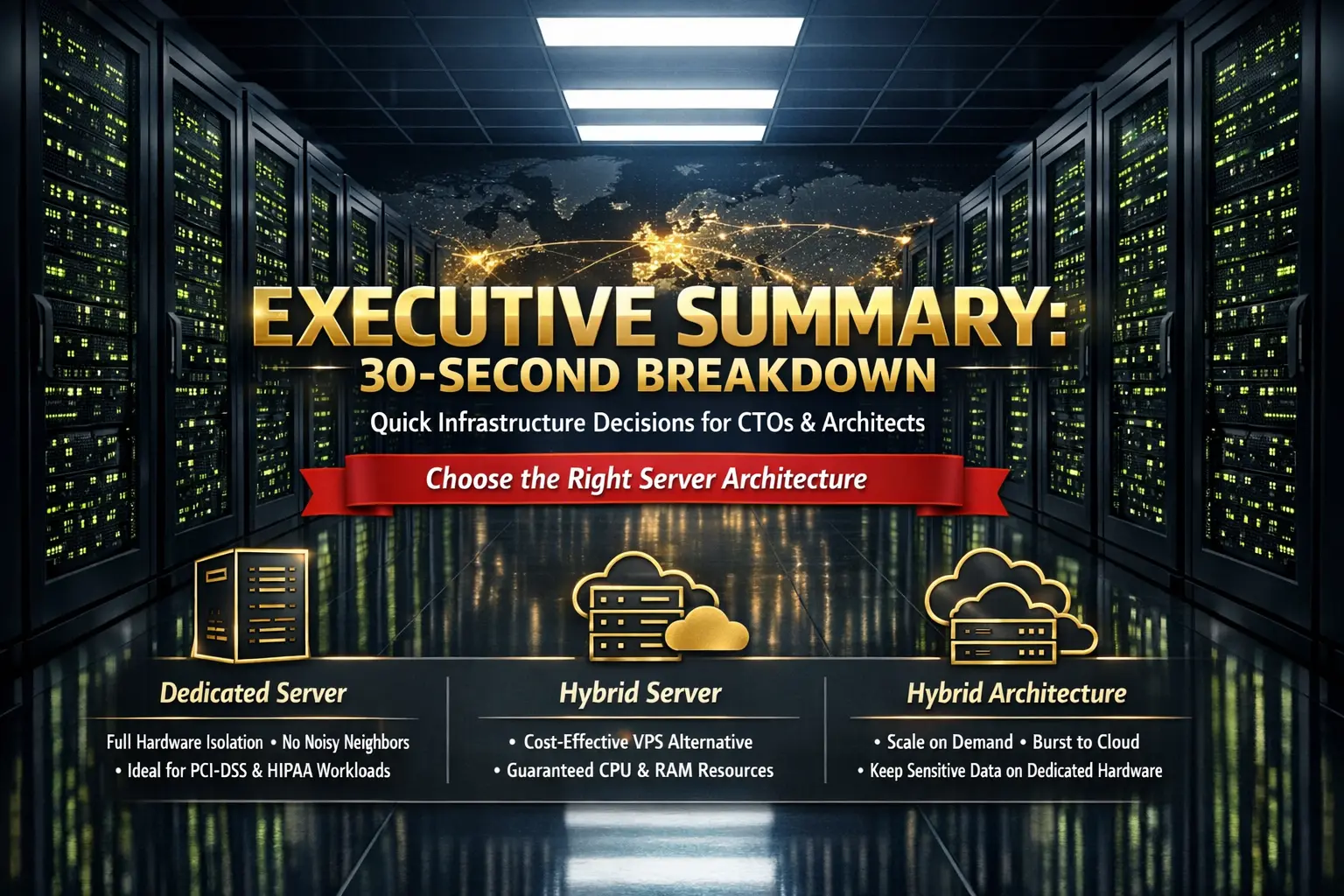
- Choose Dedicated Server if: You need physical isolation for strict rules (like PCI-DSS or HIPAA), have steady high-CPU workloads, or must remove the “noisy neighbor” risk completely. [See Dedicated Server Options]
- Choose Hybrid Server (Hosting Product) if: You want the low cost of a VPS but need guaranteed RAM and CPU. It gives you a larger slice of resources than standard cloud instances.
- Choose Hybrid Architecture if: You have steady traffic but get massive, unpredictable spikes. This setup lets you “burst” into the public cloud for extra power while keeping sensitive data on your dedicated hardware.
Defining the Entities
To understand the difference clearly, we must first define the core components.
What is a Dedicated Server?
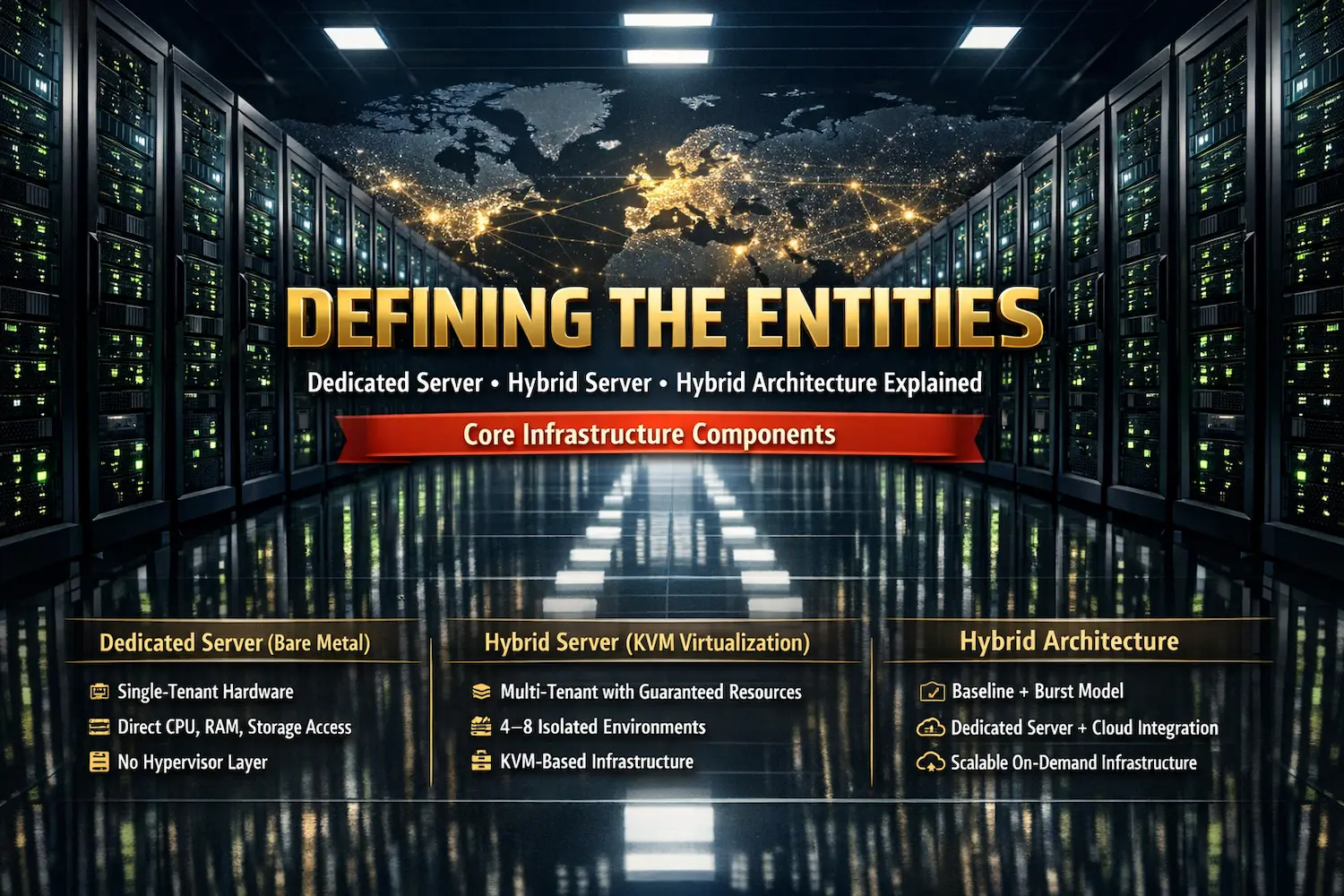
A Dedicated Server (also called Bare Metal) is a physical computer rented by only one customer. It is not shared.
Unlike shared hosting, the operating system talks directly to the hardware—CPU, RAM, and storage—without a software layer (hypervisor) in between.
- Key Attribute: Single-tenancy. The customer does not share resources with any other tenant.
- Best Use Case: High-performance databases, video rendering, and storing sensitive data.
- Learn More: What is Dedicated Server Hosting?
What is a Hybrid Server (Hosting Product)?
Often called a Hybrid Dedicated Server, this is a hosting plan that uses virtualization to split a powerful physical server into a few isolated parts.
Unlike a standard VPS, which can host hundreds of users on one machine, a Hybrid Server typically hosts only 4 to 8 tenants. This ensures you get the resources you paid for.
- Technical Basis: It uses KVM (Kernel-based Virtual Machine). This is Linux technology that turns the server into a “hypervisor,” allowing each slice to run its own operating system.
- Key Attribute: Multi-tenancy with guaranteed slices. You share the hardware, but your resources are reserved just for you.
- Reference: KVM Virtualization Fundamentals
What is Hybrid Architecture?
In enterprise IT, Hybrid Architecture is a design that mixes two environments. It connects a dedicated server (on-premise or hosted) with a public cloud platform like AWS or Azure.
- The Model: “Baseline + Burst.” Your steady, everyday work runs on a dedicated server (which is cheaper over time). When you have a traffic spike, the extra work spills over into cloud instances (which are scalable on-demand).
- Examples: AWS Outposts или Google Cloud Anthos.
Side-by-Side Comparison Matrix
Below is the definitive comparison matrix designed for quick scanning. This compares the Dedicated Server entity against the Hybrid Server (Hosting Product) entity.
| Особенность | Dedicated Server (Bare Metal) | Hybrid Server (Virtualized Slice) |
| Tenancy Model | Single Tenant. You are the only user. Physical isolation means no neighbors. | Multi-Tenant (Limited). You share the chassis with a few others, but your resources are guaranteed. |
| Производительность | Native Speed. Direct access to hardware. No software layers slowing it down. | Near-Native Speed. Very fast, but a tiny bit slower due to the virtualization layer (hypervisor). |
| “Noisy Neighbor” Risk | None. Your workload is the only one using the drive and network. No competition. | Low to Medium. Your CPU/RAM is safe, but you might share storage speed (Disk I/O) with neighbors. |
| Cost Model | Fixed Cost. Higher monthly fee, but very predictable. | Efficient Cost. Lower monthly fee. You pay only for the specific “slice” you need. |
| Масштабируемость | Hardware Speed. Adding power takes time (physical installation of parts). | Software Speed. Easy to upgrade. You can add RAM or CPU quickly through software. |
| Согласие | Highest. Meets strict rules (like HIPAA/PCI) because it is physically isolated. | Moderate. Good for most standards, but technically shares the machine (logically isolated). |
| Management Burden | High. You manage everything: the OS, drivers, and security patches. | Medium. Provider fixes the hardware; you just manage your Operating System. |

Performance & The “Noisy Neighbor” Phenomenon
When choosing between Dedicated Servers and Hybrid Servers, the decision often comes down to one thing: I/O Contention. This is the fight for resources on a shared machine.
What is the “Noisy Neighbor” Problem?
In a standard cloud or VPS environment, hundreds of virtual machines compete for access to the physical hard drive and network card. If a neighbor runs a massive job, your application might slow down. This slowdown is called I/O Jitter.
- Dedicated Server Solution: You own the disk controller. Your read/write speeds are predictable and steady. No one else can touch your hardware.
- Hybrid Server Solution: Providers use high-speed NVMe storage and limit the number of tenants. It is much better than a VPS, but it cannot guarantee 100% isolation like a Bare Metal server.
Understanding Virtualization Overhead
A Hybrid Server uses a software layer called a Hypervisor (KVM) to manage the server. This adds a tiny amount of processing work.
- Dedicated Server: 100% of the CPU power goes directly to your application. There is no middleman.
- Hybrid Server: ~98% of the CPU power goes to your application. The other ~2% is used to run the virtualization layer.
- The Verdict: For most websites and apps, this difference is invisible. For high-speed trading or real-time rendering, Dedicated is required.

Security & Compliance Boundaries
For enterprise clients, the main difference is not just speed—it is isolation.
Physical Isolation vs. Logical Isolation
This is the critical differentiator for security compliance.
Dedicated Server (Physical Isolation):
- The hard drives are physically inside your server rack. No other company puts data on those drives. This is required for strict standards like PCI-DSS (Credit Card Data) and HIPAA (Health Data), where Data Sovereignty is paramount.
Hybrid Server (Logical Isolation):
- Your data sits on a storage array shared by 4–8 other clients. While KVM encryption is very strong and keeps data separate, it is still a “shared resource” model.
The Security Trade-off
Surprisingly, a Hybrid Server can sometimes be safer for smaller teams.
- The Risk: On a Dedicated Server, you are responsible for patching the kernel and fixing security holes. If you forget, you are vulnerable.
- The Hybrid Advantage: The hosting provider manages the hypervisor layer. They patch critical infrastructure vulnerabilities automatically. This “managed security” layer is often safer for teams without a dedicated IT staff.

The Cost Model – A Real-World Example
To understand the true price, you must look at the Total Cost of Ownership (TCO). This includes the server rental plus the cost of moving data.
Scenario A: The Dedicated Server Approach
- Workload: A steady 24/7 Database.
- Specs: 32 Core CPU, 64GB RAM.
- Pricing: Flat Rate. You pay one fixed fee per month.
- Bandwidth: 20TB included (Standard for providers like Atal Networks).
- Total Monthly Bill: $300.
Scenario B: The Cloud/Hybrid Server Approach
- Workload: Same Database.
- Specs: Equivalent Virtual CPUs (vCPU) and RAM.
- Pricing: Variable. Lower base rent, but extra fees for data.
- The Hidden Fee: Cloud providers charge Egress Fees. This is a fee for data leaving their network.
- The Math: 20TB Egress @ $0.08/GB = $1,638.00.
- Total Monthly Bill: $1,788.
The Verdict
If you move a lot of data, Dedicated Servers are much cheaper because they use Unmetered Bandwidth. If you have low traffic but need high CPU power, a Hybrid Server is the better deal.
Rule of Thumb: If your monthly data transfer is more than 5TB, choose a Dedicated Server. It will save you thousands of dollars compared to Cloud models.
Decision Framework – Which is Right for You?
Use this checklist to match your needs with the right server type.
Choose a Dedicated Server If:
- Compliance is a Must: You handle sensitive data (like credit cards or patient health info) that requires Physical Isolation by law.
- Workload is Steady: Your CPU and RAM usage is high and constant, 24 hours a day, 7 days a week.
- Bandwidth is Heavy: You serve video, large files, or high-traffic APIs. You need a Flat Rate for bandwidth to avoid surprise cloud fees.
- You Need Special Hardware: You require specific GPUs, custom RAID configurations, or hardware that standard clouds do not offer.
Explore Atal Networks Dedicated Servers
Choose a Hybrid Server (Hosting Product) If:
- Budget is Tight: You need high power but cannot afford the price of a full Bare Metal server lease.
- Growth is Unpredictable: You need to scale up RAM or CPU quickly through software, without waiting for a technician to install physical hardware.
- Management is a Concern: You want the hosting provider to fix hardware failures automatically so your team doesn’t have to.
Choose Hybrid Architecture If:
- Traffic is Spiky: Your website is quiet for 11 months but gets massive traffic during sales or events. You need to “burst” into the cloud for short periods.
- Disaster Recovery is Critical: You want a backup plan. You keep your main data safe on dedicated hardware but use the cloud for emergencies.
- Latency Sensitivity: You need to deliver content fast to users all over the world. You use Edge Computing nodes closer to your customers.
Learn about Cloud Hosting Solutions
Implementation Checklist
Before you deploy your new infrastructure, run through this operational audit. This ensures you do not encounter surprise costs or technical limitations.
- Analyze Your Traffic Pattern: Is your load steady 24/7 or does it spike? Choose Dedicated for steady load and Hybrid Architecture for spikes.
- Calculate Data Transfer: Estimate your monthly data usage. If you will move more than 5TB of data, choose a Dedicated Server to avoid expensive cloud egress fees.
- Verify the SLA: Check the Service Level Agreement. Ensure your provider guarantees at least 99.9% Uptime. This is critical for business continuity.
- Plan Your Backups: Dedicated servers often require you to set up your own backup software. Hybrid and Cloud servers usually have “snapshot” backup features built-in. Choose the one your team can manage.
- Confirm OS Support: Verify that the provider supports your specific Operating System (Windows or Linux) on their hardware or virtualization layer.
FAQ: Hybrid vs Dedicated Servers
Is a Hybrid Server just a VPS?
Technically, yes. It is a Virtual Private Server. However, a Hybrid Server implies a “premium” VPS. It has a much lower ratio of tenants per machine (e.g., 4 tenants instead of 100). This gives you higher guaranteed performance than a standard VPS.
Why is a Dedicated Server more expensive?
You are paying for exclusivity. Unlike shared hosting, you are not splitting the cost of the hardware with other tenants. This premium buys you Physical Isolation and guaranteed disk I/O speeds, which are essential for high-performance databases.
Can I switch from Hybrid to Dedicated later?
Yes, migration is possible. Most providers allow you to move your data. However, moving from a virtual environment to a physical server requires OS re-configuration and data transfer, which can cause downtime. It is better to plan for growth ahead of time.
What is KVM in Hybrid Servers?
KVM (Kernel-based Virtual Machine) is the software that turns a physical Linux server into a hypervisor. It allows the host machine to run multiple isolated virtual environments. It is the industry standard for Hybrid Servers because it offers robust security isolation between tenants.
Sources & Further Reading
- Red Hat: What is KVM Virtualization? (Technical definition of the hypervisor layer).
- AWS: What are AWS Outposts? (Reference for Hybrid Architecture models).
- Wikipedia: Dedicated Hosting Service Definition (Industry standard definition).
- Atal Networks: What is Dedicated Server Hosting? (Deep dive into Bare Metal benefits).