 Μετάβαση στο περιεχόμενο








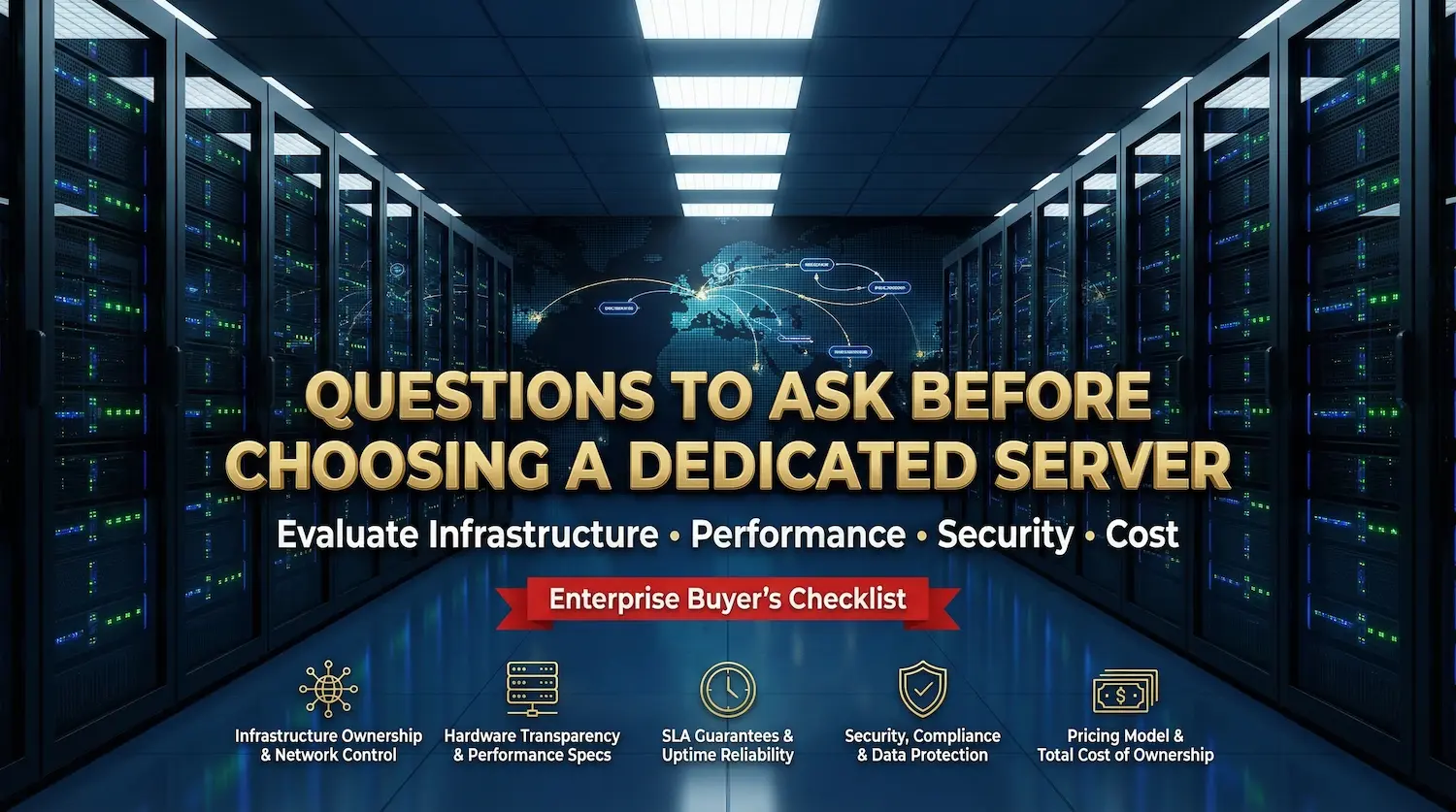
12 κρίσιμες ερωτήσεις που πρέπει να κάνετε πριν επιλέξετε έναν αποκλειστικό πάροχο διακομιστή
Last Updated: March 2026
Reviewed By: Senior Infrastructure Engineering Team
A dedicated server provider is a single-tenant hosting partner responsible for the physical security, network availability, and hardware maintenance of bare metal infrastructure.
Selecting the right provider requires auditing 12 critical dimensions: infrastructure ownership, hardware transparency, network architecture, SLA enforceability, compliance, support structure, disaster recovery, scalability, pricing models, performance transparency, migration support, and financial stability.
This framework provides the benchmarks and decision matrices required to distinguish between resellers and true enterprise partners.
Πίνακας περιεχομένων
The Evaluation Framework: 12 Critical Questions

1. Does the provider own and operate its data centers and network infrastructure?
Infrastructure ownership determines the provider’s ability to guarantee uptime and physically secure hardware without relying on third-party chains of command.
- Why It Matters: Resellers lack control over hardware replacement times and network routing. Ownership ensures direct accountability and removes the “middleman” latency in support escalation.
- The Enterprise Benchmark:
- Facility: Provider-owned or long-term leased data centers with Tier III+ certifications (concurrently maintainable).
- Network: Ownership of the network backbone with direct peering agreements (Tier-1 carriers), minimizing hop count.
- Red Flags:
- Vague responses regarding facility location or ownership.
- Reliance on third-party data centers without on-site staff.
- Pro Tip: Request a copy of the provider’s SSAE 18 audit report. This verifies the physical security controls they operate, rather than those they inherit.

2. What hardware stack is offered, and how transparent are the specs?
Hardware transparency is the explicit disclosure of CPU generations, memory standards, and storage interfaces, ensuring clients receive modern compute power, not legacy equipment.
- Why It Matters: Legacy hardware (e.g., DDR3 memory, SATA SSDs) creates bottlenecks for modern I/O-intensive workloads. Many providers hide generic specs behind “high performance” labels.
- The Enterprise Benchmark:
- CPU: Current generation AMD EPYC (e.g., 9554P) or Intel Xeon Scalable (4th Gen+).
- Memory: DDR5 ECC RAM (minimum 3200MHz) for higher bandwidth.
- Storage: Enterprise-grade NVMe (PCIe Gen4/Gen5) with predictable IOPS metrics (e.g., >100k IOPS).
- Red Flags:
- “Consumer-grade” hardware (Intel Core i7/i9) marketed for enterprise use.
- Omission of drive brands or models (e.g., “1TB SSD” without specifying NVMe vs. SATA).
- Pro Tip: For a detailed breakdown of the physical layer, review what is a bare metal server to understand the distinction between virtualized resources and dedicated hardware.

3. How is network architecture designed, and what performance guarantees are provided?
Network architecture encompasses the port speed, bandwidth allocation, carrier diversity, and routing protocols that determine data throughput and latency.
- Why It Matters: A powerful server is useless on a congested network. Oversubscription (selling more bandwidth than available) is the leading cause of unexplained latency spikes during peak traffic.
- The Enterprise Benchmark:
- Port Speed: Dedicated 1 Gbps, 10 Gbps, or 100 Gbps ports (non-oversubscribed).
- Latency: Consistent < 5 ms latency to major regional interconnection hubs.
- Redundancy: Diverse fiber entry points (risk mitigation against cable cuts).
- Red Flags:
- “Unlimited bandwidth” without a specified port speed (often implies throttled 100 Mbps ports).
- Single-homed networks (reliant on one ISP).

4. What Service Level Agreements (SLAs) are enforceable?
An SLA is a contractual commitment defining uptime guarantees and the remediation process for service failures.
- Why It Matters: Many competitors offer “100% Uptime” marketing claims that are nullified by “maintenance windows” or “force majeure” clauses deep in the contract. A strong SLA protects your revenue.
- The Enterprise Benchmark:
- Uptime: 99.99% (Four Nines) or higher, excluding scheduled maintenance.
- Remediation: Automatic service credits (e.g., 10% monthly fee per hour of downtime) that are claimable without complex ticketing hurdles.
- Hardware Replacement: < 1 hour replacement guarantee for failed components.
- Red Flags:
- SLAs that cover “network availability” but exclude “server hardware” failures.
- Exclusion of DDoS attacks or upstream provider failures from uptime calculations.

5. What security and compliance measures are in place?
Compliance adherence refers to the provider’s alignment with regulatory frameworks (SOC 2, ISO 27001, HIPAA, PCI-DSS) necessary for the client’s legal operation.
- Why It Matters: In regulated industries (Fintech, Healthcare), the hosting provider is an extension of your liability. Non-compliant infrastructure can result in legal penalties.
- The Enterprise Benchmark:
- Certifications: Active SOC 2 Type II and ISO 27001 certifications.
- Physical Security: Biometric scanners, man-traps, and 24/7 CCTV.
- Network Security: Standard inclusion of DDoS mitigation (not a costly add-on).
- Red Flags:
- “We are compliant” claims without providing audit reports (e.g., Bridge reports).
- Lack of physical security audits.
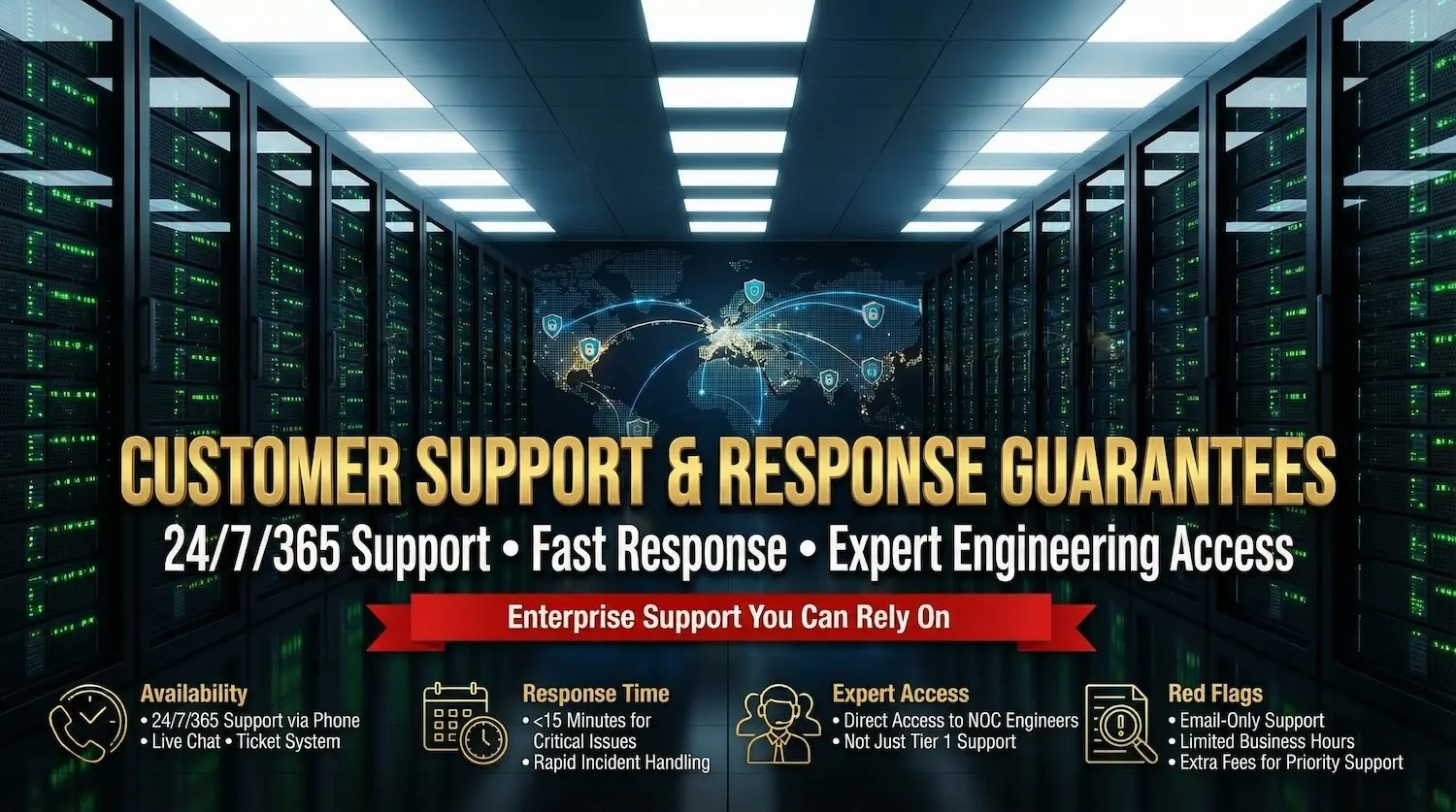
6. How is customer support structured, and what are response-time guarantees?
Support structure defines the availability, access level, and expertise of the technical team assigned to your account.
- Why It Matters: Hardware failures do not respect business hours. Access to a System Administrator, not just a Tier 1 helpdesk agent, is critical for rapid resolution.
- The Enterprise Benchmark:
- Availability: 24/7/365 access via Phone, Live Chat, and Ticket.
- Response Time: < 15 minutes for Critical priority issues.
- Access: Direct lines to NOC (Network Operations Center) engineers.
- Red Flags:
- Email-only support or limited “business hours” coverage.
- Extra fees for “Priority Support” or managed services.

7. What backup and disaster-recovery systems are included?
Disaster recovery (DR) planning involves RPO (Recovery Point Objective) and RTO (Recovery Time Objective) strategies to restore data after catastrophic failure.
- Why It Matters: Local RAID is not a backup. True DR requires geographic separation of data to protect against site-wide failures (fire, flood, power grid failure).
- The Enterprise Benchmark:
- RPO/RTO: RPO of < 1 hour; RTO of < 4 hours.
- Redundancy: Geo-redundant backup storage (backups stored in a different data center).
- Frequency: Daily automated backups with option for hourly snapshots.
- Red Flags:
- Backups stored on the same physical server or same rack.
- High restoration fees (data egress charges).

8. How scalable is the platform (vertical and horizontal)?
Scalability is the ability to increase resources (Vertical) or deploy additional servers (Horizontal) without excessive downtime or migration.
- Why It Matters: Business growth should not be stifled by infrastructure rigidity. Moving to a new server to get more RAM is a failure of the provider’s architecture.
- The Enterprise Benchmark:
- Vertical: Hot-add RAM or storage upgrades within the same chassis (where hardware permits).
- Horizontal: Provisioning new servers in < 2 hours via API or control panel.
- Red Flags:
- “No upgrade path available” – requiring a full migration for minor spec increases.
- Manual provisioning processes that take 24-48 hours.

9. What is the provider’s pricing model and total cost of ownership (TCO)?
TCO encompasses the monthly fee, bandwidth overages, licensing, setup costs, and migration fees required to operate the server.
- Why It Matters: Low “sticker prices” often hide predatory overage fees or setup costs that balloon the TCO by 200%.
- The Enterprise Benchmark:
- Transparency: Clear “Unmetered” or “Committed” bandwidth billing.
- Inclusions: Free OS re-installs, KVM/IPMI access, and basic DDoS protection.
- Contracts: Month-to-month options available without setup fee penalties.
- Red Flags:
- Confusing “Premium Network” vs. “Standard Network” tiers that split performance.
- High costs for outbound data transfer (Egress fees).

10. How transparent are performance benchmarks and uptime history?
Performance transparency is the public disclosure of network status, historical uptime, and speed test files.
- Why It Matters: Trust is verification. Providers confident in their network publish their real-time status pages.
- The Enterprise Benchmark:
- Status Page: Publicly accessible status.atalnetworks.com page (or equivalent).
- Test Files: Downloadable 100MB/1GB test files to check throughput from your location.
- Lookback: 12-month historical uptime logs publicly available.
- Red Flags:
- Private status pages (requires login to see outages).
- Refusal to provide test IPs or files.

11. How does the provider handle migrations and exit strategy?
Migration support refers to the technical assistance provided to transfer data into (onboarding) and out of (offboarding) the provider’s environment.
- Why It Matters: Vendor lock-in is a major risk. A provider should make it easy to leave, which paradoxically builds trust and makes you want to stay.
- The Enterprise Benchmark:
- Onboarding: Free migration assistance from the previous host.
- Offboarding: Full data export support, no cancellation fees, and assistance with de-provisioning.
- Red Flags:
- Proprietary control panels that store data in inaccessible formats.
- Long notice periods (e.g., 30 days) required for cancellation.

12. What is the provider’s reputation and financial stability?
Financial stability indicates the provider’s ability to sustain operations, invest in hardware refreshes, and honor long-term contracts.
- Why It Matters: Hosting providers with unstable cash flow may cut corners on security, delay hardware upgrades, or cease operations abruptly.
- The Enterprise Benchmark:
- Longevity: 5+ years of operation with a stable corporate history.
- Reviews: High standing on independent platforms (TrustPilot, HostingDiscussion) with specific praise for support.
- Case Studies: Publicly listed enterprise clients or detailed use-case studies.
- Red Flags:
- A pattern of “billing” complaints in forums.
- Fly-by-night operations with anonymous WHOIS data.
Enterprise Decision Matrix: Minimum vs. Premium Standards
Use this matrix to score proposals from potential providers.
| Evaluation Dimension | Minimum Viable Standard | Enterprise-Grade Standard |
| Infrastructure | Rented Rack Space | Owned Data Center / Tier III+ |
| Processor | Intel Xeon (Legacy) / DDR4 | AMD EPYC / Intel Scalable (Gen 4+) / DDR5 |
| Network | 1 Gbps Shared Port | 10 Gbps+ Dedicated Port / Unmetered |
| SLA | 99,9% Χρόνος λειτουργίας | 99.99%+ Uptime / <1hr Hardware SLA |
| Συμμόρφωση | Standard Firewall | SOC 2 / ISO 27001 / Included DDoS |
| Υποστήριξη | Ticket System (Business Hours) | 24/7/365 Phone & Chat / Dedicated Account Manager |
| Backup | Local RAID Only | Geo-Redundant Backups / Snapshot API |
Workload Mapping: Hardware Configuration Guide
Match your application requirements to the recommended server architecture.
| Workload Type | Recommended Profile | Why? |
| High-Traffic E-Commerce | High Frequency CPU (3.5GHz+) + NVMe RAID 1 | Database transactions require low latency and high IOPS; RAID 1 ensures redundancy for transaction logs. |
| AI / Machine Learning | High Core Count (64+ Cores) + GPU Ready + DDR5 RAM | Parallel processing requires massive core counts; DDR5 offers the bandwidth necessary for large dataset loading. |
| SaaS Application | Balanced Cores + Scalable Storage + 10Gbps Port | Variable user load requires vertical scaling headroom; high bandwidth prevents bottlenecks during peak user activity. |
| Φιλοξενία διακομιστή παιχνιδιών | High Frequency CPU + Low Latency Network | Physics calculations are single-threaded; network jitter (ping) is the primary quality metric. |
Why Atal Networks is the Enterprise Standard
Atal Networks aligns with the rigorous demands of this evaluation framework, distinguishing itself from resellers and legacy providers.
- Infrastructure Ownership: We operate our own network backbone, ensuring direct control over routing and uptime.
- Hardware Transparency: We provide detailed specs on αποκλειστικοί διακομιστές, utilizing the latest generation AMD EPYC and NVMe storage technologies.
- Customer-Centric Exit Strategy: unlike competitors, we facilitate easy data portability and migration, prioritizing trust over lock-in.
To understand the foundational benefits of this approach, explore our guide on what is dedicated server hosting.
Conclusion
Many dedicated server providers only offer simple checklists. They use marketing noise to hide the real details. This 12-point framework is different. It helps you look past the hype. You can now choose a partner based on real facts, clear promises, and honest operations. This ensures you get a server that is safe, fast, and reliable.
Next Step:
Check your current provider against this framework. Do they meet the Enterprise-Grade Standard? If the answer is no, it is time to switch. Visit Atal Networks today to find a dedicated server solution built for your future.