 Aller au contenu









Cloud security strategies are the policies, technical controls, and operational practices that protect cloud-based infrastructure from unauthorized access, data breaches, DDoS attacks, and service disruptions. They apply at every layer — from network perimeter and server configuration to access management and compliance monitoring — across VPS, dedicated, and bare metal environments.
Most businesses focus on application-layer security and forget the infrastructure underneath it. Misconfigured servers, unpatched kernels, exposed SSH ports, and weak access controls account for the majority of cloud breaches — not sophisticated zero-day exploits. IBM’s Cost of a Data Breach Report 2024 found the global average breach cost reached $4.88 million, with misconfiguration and stolen credentials ranking among the top root causes.
The good news: infrastructure-layer security is fully within your control. The strategies below cover every layer of the stack, from your hosting provider’s network up to your application access policies.
Table des matières

The Security Risk Most Guides Skip
Generic cloud security articles focus almost entirely on AWS IAM policies and Azure security groups. That leaves out the most fundamental security variable of all: the infrastructure your workloads run on.
Your hosting provider’s architecture sets your security floor. A server running in a Tier-4 data center with DDoS-protected BGP routing, physically isolated hardware, and redundant power is fundamentally different from a server in a Tier-1 facility with shared physical hardware.
At Atal Networks, our infrastructure spans 213+ data centers across 196 countries, all built on DDoS-protected BGP networks with isolated KVM virtualization for VPS environments. That means your workload never shares kernel resources with another tenant — a critical distinction for any security-conscious deployment.
Three infrastructure-layer questions to ask before you deploy:
- Does your hosting provider offer network-level DDoS protection, or do you need to layer a third-party scrubbing service?
- Are VPS environments kernel-isolated (KVM/Xen) or container-based (OpenVZ)? Kernel isolation prevents certain classes of host-escape attacks.
- Does the data center carry a Tier-3 or Tier-4 classification? Tier-4 requires 99.995% uptime and full fault tolerance — Tier-1 does not.
Getting these answers before deploying saves you from rebuilding your security stack on a compromised foundation.

10 Cloud Security Strategies for VPS, Dedicated, and Bare Metal Environments
1. Network Segmentation and Firewall Configuration
Network segmentation divides your infrastructure into isolated zones so a breach in one area cannot spread laterally to the rest. Paired with a properly configured firewall, segmentation reduces your blast radius to a fraction of what an unsegmented network exposes.
On a Linux VPS ou alors Serveur dédié, UFW (Uncomplicated Firewall) provides a clean interface over iptables:
# Enable UFW
ufw enable
# Default deny all inbound
ufw default deny incoming
ufw default allow outgoing
# Allow SSH on a custom port (example: 2222)
ufw allow 2222/tcp
# Allow HTTPS
ufw allow 443/tcp
# Allow HTTP
ufw allow 80/tcp
# Check status
ufw status verbose
The default-deny inbound rule is non-negotiable. Every port you open is an attack surface. Open only what your application requires and close everything else.
For multi-server environments, use private networking to route internal traffic and expose only necessary services to the public internet. Atal Networks’ VPS plans include private IP networking — use it to keep database, cache, and internal service traffic off the public interface entirely.

2. SSH Hardening and Access Control
SSH is the primary remote access protocol for Linux servers and also one of the most attacked. Automated bots scan the internet continuously for servers with default SSH configurations — exposed root login on port 22 with password authentication.
Harden SSH by editing /etc/ssh/sshd_config:
# Disable root login
PermitRootLogin no
# Disable password authentication (force key-based auth)
PasswordAuthentication no
# Change default port
Port 2222
# Limit login attempts
MaxAuthTries 3
# Disable empty passwords
PermitEmptyPasswords no
# Restrict to specific users
AllowUsers yourusername
# Set idle timeout (seconds)
ClientAliveInterval 300
ClientAliveCountMax 2
After editing, restart the SSH service:
systemctl restart sshd
Install Fail2ban to automatically ban IPs that exceed failed login thresholds:
apt install fail2ban -y
systemctl enable fail2ban
systemctl start fail2ban
Fail2ban monitors /var/log/auth.log and applies temporary iptables bans after configurable failure counts. The default SSH jail bans an IP after 5 failed attempts within 10 minutes for 10 minutes — adjust these thresholds based on your risk tolerance.

3. DDoS Mitigation at the Infrastructure Level
A Distributed Denial of Service attack floods your server with traffic until it becomes unresponsive. Software-layer mitigations like rate limiting are effective against small-scale attacks but fail against volumetric attacks measured in hundreds of Gbps.
Infrastructure-level DDoS protection operates at the network layer, before traffic reaches your server. BGP Anycast routing directs incoming traffic through scrubbing centers that filter malicious packets and forward clean traffic to your origin. This approach absorbs volumetric attacks without impacting legitimate users.
Notre Hébergement VPS Linux et Serveur nu plans include DDoS-protected infrastructure at the network layer. That means you benefit from scrubbing capacity without paying separately for a third-party CDN or scrubbing service.
At the application layer, complement infrastructure DDoS protection with:
- Rate limiting on your web server (nginx limit_req_zone or Apache mod_ratelimit)
- IP reputation filtering using fail2ban or crowdsec
- Connection limits to prevent slowloris-style attacks
- SYN flood protection via kernel parameters (net.ipv4.tcp_syncookies=1)
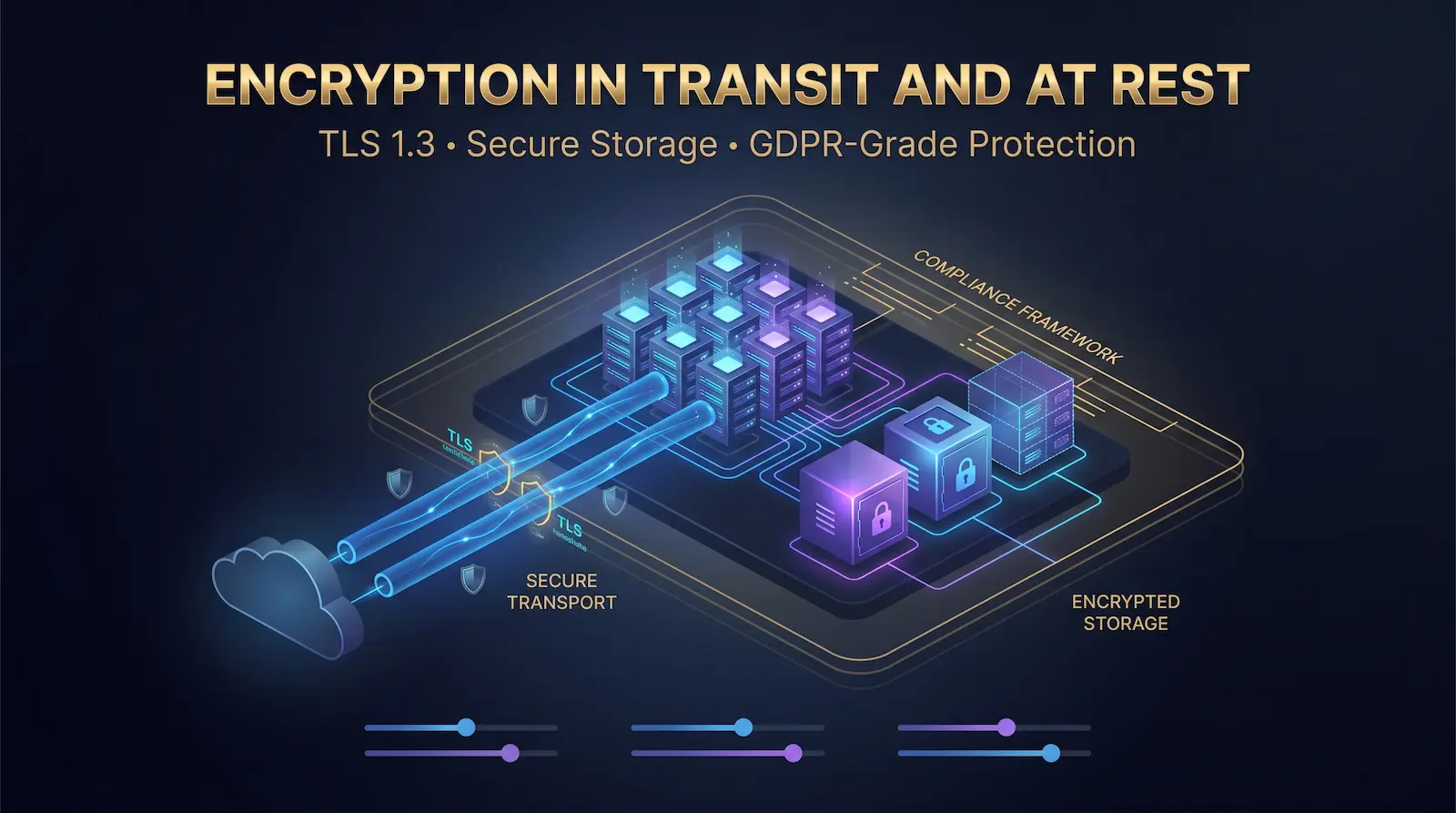
4. Encryption in Transit and at Rest
Encryption in transit protects data moving between your users and your server. Encryption at rest protects data stored on disk if the physical hardware is compromised.
In transit: Enforce TLS 1.3 on all public-facing services. Disable TLS 1.0 and 1.1, which contain known vulnerabilities. Use Let’s Encrypt for free, auto-renewing certificates:
apt install certbot python3-certbot-nginx -y
certbot –nginx -d yourdomain.com
Enable auto-renewal:
systemctl enable certbot.timer
systemctl start certbot.timer
Configure your nginx server block to enforce strong cipher suites:
ssl_protocols TLSv1.2 TLSv1.3;
ssl_prefer_server_ciphers on;
ssl_ciphers ECDHE-ECDSA-AES128-GCM-SHA256:ECDHE-RSA-AES128-GCM-SHA256;
At rest: For bare metal deployments handling sensitive data, full-disk encryption using LUKS (Linux Unified Key Setup) encrypts the entire partition. Enable it during OS installation or use cryptsetup to encrypt secondary data volumes post-installation.
GDPR Article 32 requires organizations processing EU personal data to implement “appropriate technical measures” including encryption. Deploying on servers in GDPR-compliant data centers — combined with TLS and at-rest encryption — satisfies this requirement at the infrastructure layer.

5. OS Hardening and Patch Management
An unpatched server is an open invitation. Vulnerabilities in the Linux kernel, OpenSSL, and common packages are discovered regularly — the time between public disclosure and active exploitation is measured in days, not weeks.
Enable automatic security updates on Ubuntu/Debian:
apt install unattended-upgrades -y
dpkg-reconfigure –priority=low unattended-upgrades
Beyond patching, follow CIS Benchmark hardening guidelines for your OS. Key steps include:
- Disable unused services and remove unnecessary packages
- Set strict file permissions on critical directories (/etc/passwd, /etc/shadow)
- Enable AppArmor (Ubuntu default) or SELinux (CentOS/RHEL) for mandatory access control
- Disable USB storage if running a headless server (prevents physical attack vectors)
- Restrict SUID/SGID binaries with: find / -perm /6000 -type f
Kernel hardening via /etc/sysctl.conf adds another layer:
# Prevent IP spoofing
net.ipv4.conf.all.rp_filter=1
# Disable ICMP redirects
net.ipv4.conf.all.accept_redirects=0
# Enable SYN flood protection
net.ipv4.tcp_syncookies=1
# Disable IP forwarding (unless this is a router)
net.ipv4.ip_forward=0
Apply changes with: sysctl -p

6. Identity and Access Management (IAM)
Access control failures are the second most common cause of cloud breaches, according to OWASP’s Top 10. The principle of least privilege — granting users only the access they need for their specific role — limits the damage any single compromised account can cause.
On Linux servers:
- Create separate system users for each application (never run web applications as root)
- Restrict sudo access to specific commands using /etc/sudoers.d/
- Rotate SSH keys quarterly — treat old keys like expired passwords
- Audit active user accounts and remove stale ones: lastlog | grep -v “Never” shows accounts that have never logged in
For teams managing Serveurs dédiés, implement centralized access management using tools like HashiCorp Vault for secret storage or Teleport for SSH access with full session recording and audit trails.

7. Intrusion Detection and Security Monitoring
You cannot defend against threats you cannot see. A properly configured monitoring stack gives you real-time visibility into authentication attempts, privilege escalations, file changes, and network anomalies.
The core monitoring stack for a Linux server:
auditd — kernel-level audit daemon that logs system calls, file access, and privilege changes:
apt install auditd -y
systemctl enable auditd
systemctl start auditd
OSSEC or Wazuh — host-based intrusion detection that monitors file integrity, log analysis, and rootkit detection. Wazuh is the modern, maintained fork of OSSEC with a web-based dashboard.
Centralized logging — ship logs to a remote syslog server or SIEM so that even if an attacker deletes local logs, you retain the audit trail. Use rsyslog or Filebeat to ship to an external destination.
Configure alerts for:
- Multiple failed SSH login attempts from the same IP
- Successful root logins (should be zero with PermitRootLogin disabled)
- New user account creation
- Changes to /etc/passwd, /etc/shadow, /etc/sudoers
- Cron job modifications
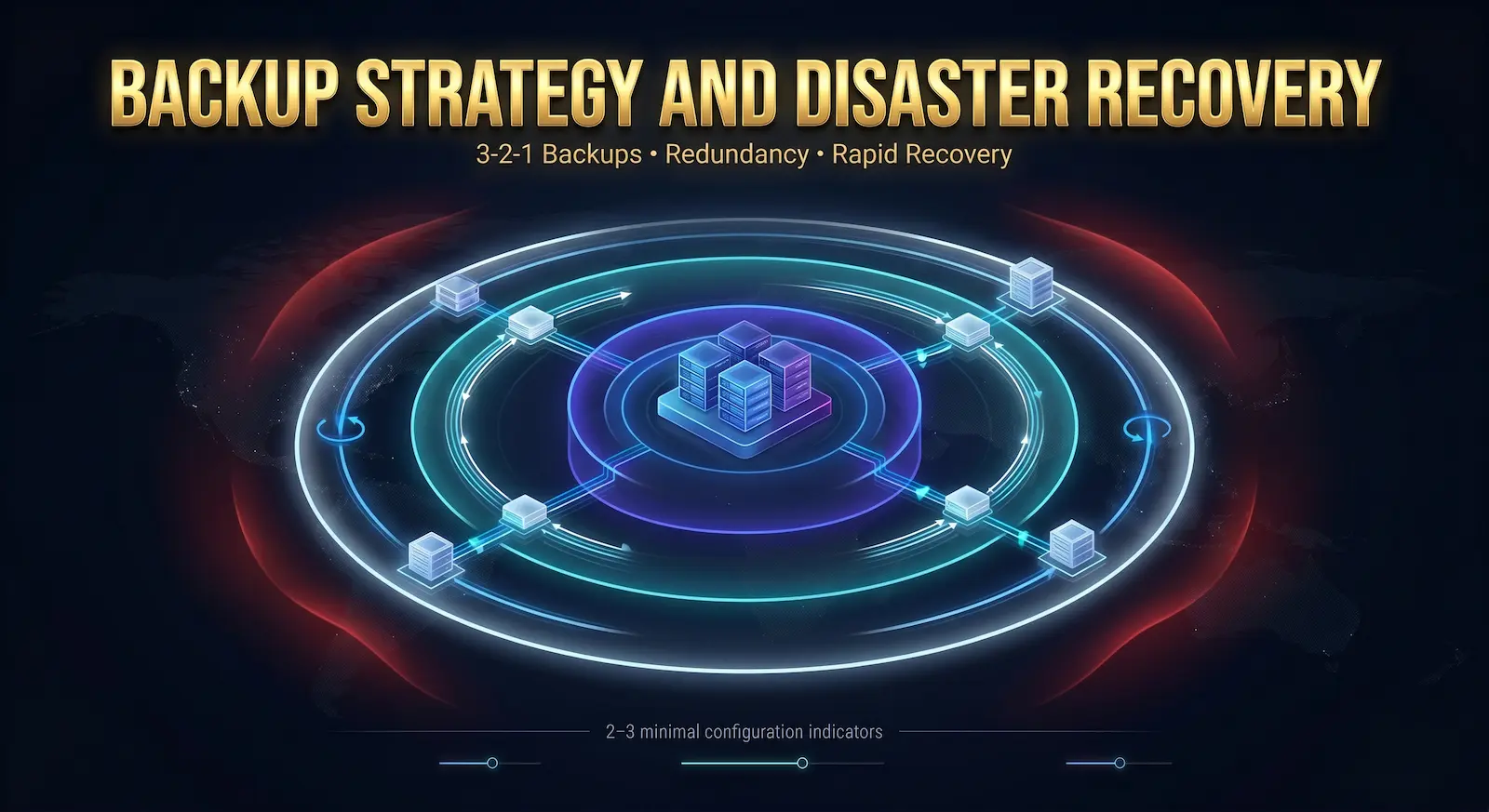
8. Backup Strategy and Disaster Recovery
Backups don’t prevent attacks — they determine your recovery speed. A properly designed backup strategy defines your Recovery Time Objective (RTO, how fast you can restore) and Recovery Point Objective (RPO, how much data you can afford to lose).
Apply the 3-2-1 backup rule to cloud infrastructure:
- 3 copies of your data
- 2 different storage media types
- 1 copy stored off-site (different geographic region or provider)
For servers, this translates to: local backup + provider snapshot + off-site object storage (e.g., Backblaze B2, Wasabi, or a secondary VPS in a different Atal Networks data center location).
Automate server backups with rsync or restic:
# Restic backup to a remote repository
restic -r sftp:user@backup-server:/backups backup /var/www /etc /home
# Verify backup integrity
restic -r sftp:user@backup-server:/backups check
Test your restore process quarterly. An untested backup is not a backup — it’s a hope.
Notre Plans d'hébergement VPS support custom snapshot schedules and off-site replication. Contact our team to configure geographic redundancy across data center locations.

9. Compliance and Regulatory Alignment
Security compliance converts your security controls into verifiable, auditable commitments. For businesses processing customer data, compliance isn’t optional — it’s a legal and commercial requirement.
GDPR (EU): Article 32 requires “appropriate technical and organizational measures” to protect personal data. At the infrastructure level, this means encryption in transit and at rest, access controls, breach detection, and the ability to demonstrate these controls to regulators. Hosting on GDPR-compliant infrastructure — with data centers in GDPR-regulated jurisdictions — satisfies the data residency component.
NIST SP 800-53: The National Institute of Standards and Technology’s security control catalog maps directly to cloud infrastructure. Key control families for server security include Access Control (AC), Configuration Management (CM), Audit and Accountability (AU), and System and Communications Protection (SC).
SOC 2 Type II: For SaaS businesses, SOC 2 Type II certification requires demonstrating that security controls have operated effectively over a period of time (typically 6–12 months). Infrastructure-level controls — encrypted storage, access logging, DDoS protection, change management — feed directly into SOC 2 evidence collection.
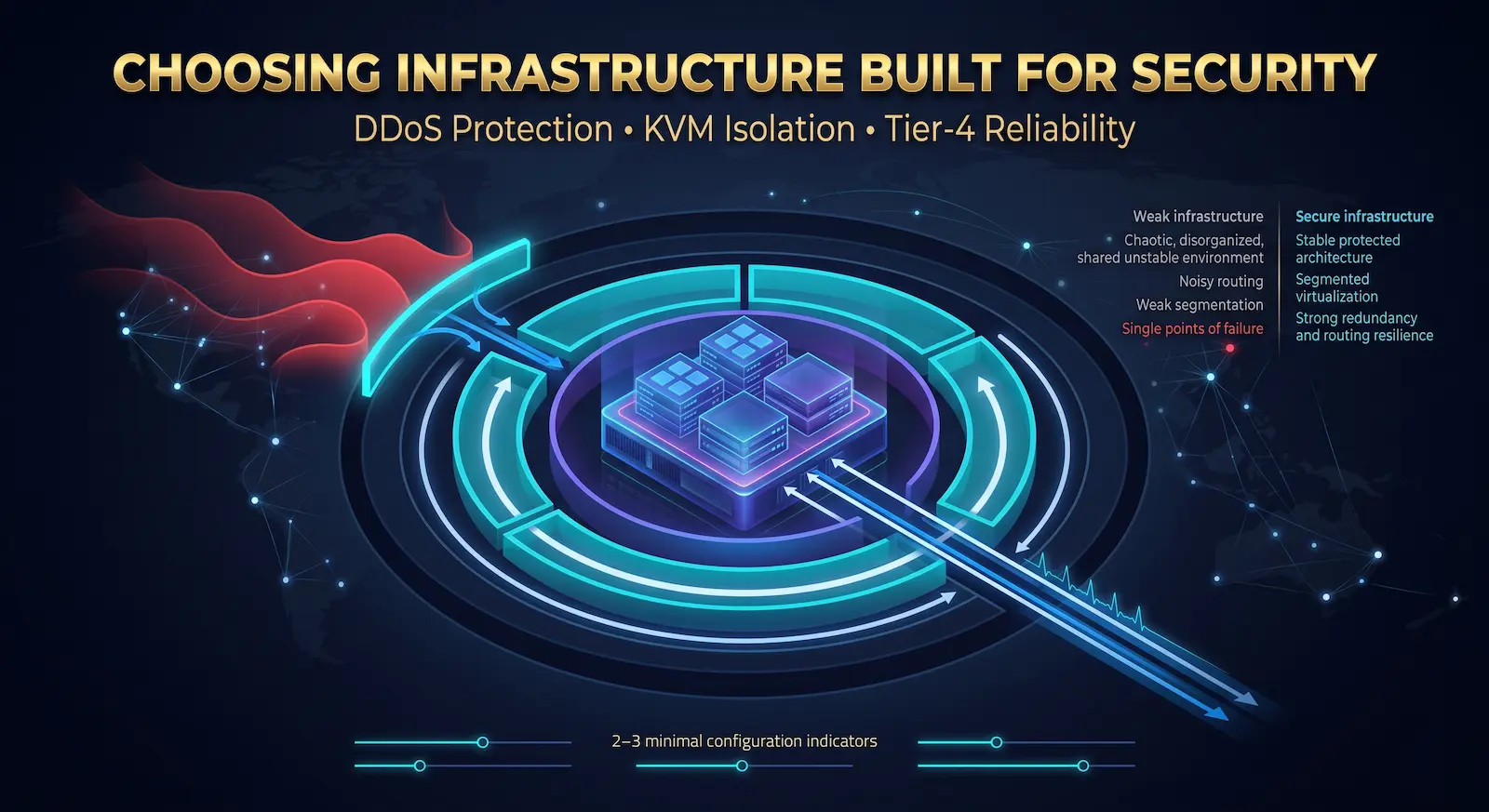
10. Choosing Infrastructure Built for Security
Every strategy above operates on top of your hosting infrastructure. If that foundation has gaps — no DDoS protection, shared hypervisor environments, Tier-1 facilities without redundant power — your application-layer controls cannot fully compensate.
The right infrastructure partner provides:
- Network-level DDoS protection included by default, not as a paid add-on
- KVM-based virtualization for true kernel isolation between tenants on shared hardware
- Tier-3 or Tier-4 data centers with physical security, redundant power, and cooling
- Accès root complet so you can implement the hardening steps above without restrictions
- Global data center coverage so you can meet data residency requirements
At Atal Networks, our Hébergement VPS, Serveurs dédiés, et Serveurs nus en métal are all built on this foundation — serving 36,000+ clients across 196 countries with 99.99% SLA-backed uptime.
VPS vs. Dedicated Server vs. Bare Metal: Security Comparison
| Security Dimension | VPS (KVM) | Serveur dédié | métal nu |
| Hypervisor attack surface | Minimal (KVM isolated) | None | None |
| Kernel-level isolation | Oui | Oui | Oui |
| Physical hardware sharing | Yes (hypervisor) | Non | Non |
| Accès root | Full | Full | Full |
| Custom firewall rules | Oui | Oui | Oui |
| Network-level DDoS | Provider-level | Provider-level | Provider-level |
| Compliance suitability | SMB / Mid-market | Entreprise | Enterprise / High-compliance |
| Performance ceiling | Allocated resources | Full hardware | Full hardware |
| Coût | Lowest | Mid-range | Highest |
Bare metal eliminates the hypervisor layer entirely, removing a class of attacks that target the virtualization layer. For high-compliance workloads (financial, healthcare, government), bare metal on Atal Networks’ infrastructure provides the highest available security baseline.
Cloud Security Checklist
Apply this checklist before marking any server production-ready:
- Default-deny inbound firewall rules configured (UFW/iptables)
- SSH root login disabled; key-based authentication enforced
- SSH port changed from default 22
- Fail2ban installed and active
- Automatic security updates enabled (unattended-upgrades)
- Unused services and packages removed
- TLS 1.3 enforced; TLS 1.0/1.1 disabled
- SSL certificates installed with auto-renewal configured
- Intrusion detection active (Wazuh/OSSEC or auditd)
- Centralized log shipping configured
- 3-2-1 backup strategy implemented and tested
- Compliance controls documented (GDPR Article 32, NIST, SOC 2 as applicable)
Questions fréquemment posées
What are the most important cloud security strategies for small businesses?
For small businesses, the highest-impact strategies are SSH hardening (disable root login, enforce key-based auth), firewall configuration (default-deny inbound), automatic OS patching, and encrypted backups. These four steps address the majority of real-world attack vectors — brute force, unpatched vulnerabilities, and ransomware — without requiring dedicated security staff or complex tooling.
How do I secure a VPS server from hackers?
Securing a VPS starts at the SSH layer: disable root login, enforce key-based authentication, change the default port, and install Fail2ban. Add a default-deny firewall policy with UFW, enable automatic security updates, and install Wazuh or OSSEC for intrusion detection. These steps take under two hours to implement and block the majority of automated attacks targeting exposed VPS instances.
Does bare metal hosting offer better security than VPS?
Bare metal hosting eliminates the hypervisor layer, removing a class of virtualization-specific attacks that target the host-guest boundary. For workloads that require strict isolation — financial data processing, healthcare records, government applications — bare metal provides a cleaner security boundary. VPS on KVM hypervisors provides strong isolation for most business workloads. The choice depends on your compliance requirements and threat model, not on bare metal being categorically more secure.
How does DDoS protection work at the server level?
Network-level DDoS protection routes your server’s traffic through scrubbing infrastructure before it reaches your host. BGP Anycast routing directs incoming packets to the nearest scrubbing center, which filters malicious traffic based on packet signatures, rate patterns, and IP reputation. Clean traffic passes through to your server. Atal Networks includes this network-layer scrubbing on all hosting plans — it operates transparently without requiring any configuration on your end.
What compliance standards apply to cloud-hosted data?
The applicable standards depend on your data type and geography. GDPR applies to any business processing EU personal data, requiring encryption, access controls, and breach notification within 72 hours. NIST SP 800-53 defines a comprehensive control framework used by US federal agencies and widely adopted in enterprise settings. SOC 2 Type II applies to SaaS providers and cloud services storing customer data. HIPAA applies to healthcare data. PCI DSS applies to payment card data. Most of these standards share a core requirement set: encryption, access control, logging, and incident response.
How often should I audit my server’s security configuration?
Run a full security audit quarterly at minimum — reviewing open ports, active user accounts, installed packages, firewall rules, and log patterns. Run targeted audits after any significant change: new application deployment, team member offboarding, or major OS update. Use automated tools like Lynis (lynis audit system) for baseline configuration auditing between manual reviews. Treat the CIS Benchmark score as your baseline metric and track it over time.
Can my hosting provider see my server data?
A reputable hosting provider operates at the infrastructure layer — they provision, maintain, and monitor the physical hardware and network, not the data inside your server. With full root access and encrypted storage, your data is accessible only to you. Atal Networks operates on a strict infrastructure-services model: we manage the hardware and network; you control the OS, applications, and data. Our team does not access customer server environments without explicit authorization from the account holder.
What is the difference between cloud security and server security?
Cloud security is the broader discipline covering data protection, access management, compliance, and security across cloud environments. Server security is the specific practice of hardening individual server instances — configuring firewalls, securing SSH, patching OS packages, and monitoring for intrusions. Server security is one component of a complete cloud security strategy. The other components include network security, identity management, data encryption, compliance alignment, and incident response planning.
Build Your Security Strategy on the Right Infrastructure
Every strategy above produces better outcomes when the infrastructure underneath it is built for security. Weak foundations — unprotected networks, shared hardware without isolation, data centers without physical security controls — create gaps no application-layer tool can fully close.
Atal Networks provides Hébergement VPS, Serveurs dédiés, et bare metal infrastructure with DDoS-protected BGP networks, KVM kernel isolation, Tier-4 data centers, and full root access across 213+ locations worldwide.
Start with infrastructure built for the strategies above. Explore our hosting plans ou alors contact our team for a free consultation on the right server type for your security requirements.